
What's the Best Free Navigation App for 2026?
You're probably choosing a navigation app in the same moment you need one to work. You're late for an appointment, juggling a station change, trying to avoid roadworks, or walking into a hospital or shopping centre where GPS gives up the second you step indoors. That's why “best free navigation app” is a more useful question than “most popular app”. The right answer depends on where the journey breaks down.
In the UK, the short version is simple. Google Maps is still the safest default for general driving and everyday routing. Waze is stronger when live road disruption matters more than polished place search. Citymapper is better for dense urban public transport. But those apps all share a limitation that standard roundups usually skip. They're strongest outdoors. If you need accurate guidance indoors, underground, or across complex venues where accessibility matters, the conversation changes.
That's where we start as the Waymap team. We build navigation for places where satellite positioning doesn't hold up, and where getting someone to the correct entrance, platform, clinic, or point of interest is the primary task. For operators managing fleets and field teams, location accuracy also connects directly to operational efficiency, which is why many organisations pair navigation choices with tools that optimise fleet operations with tracking.
Below is the practical shortlist. These are the free navigation apps worth considering in 2026, with the trade-offs that matter in daily use.
1. Waymap
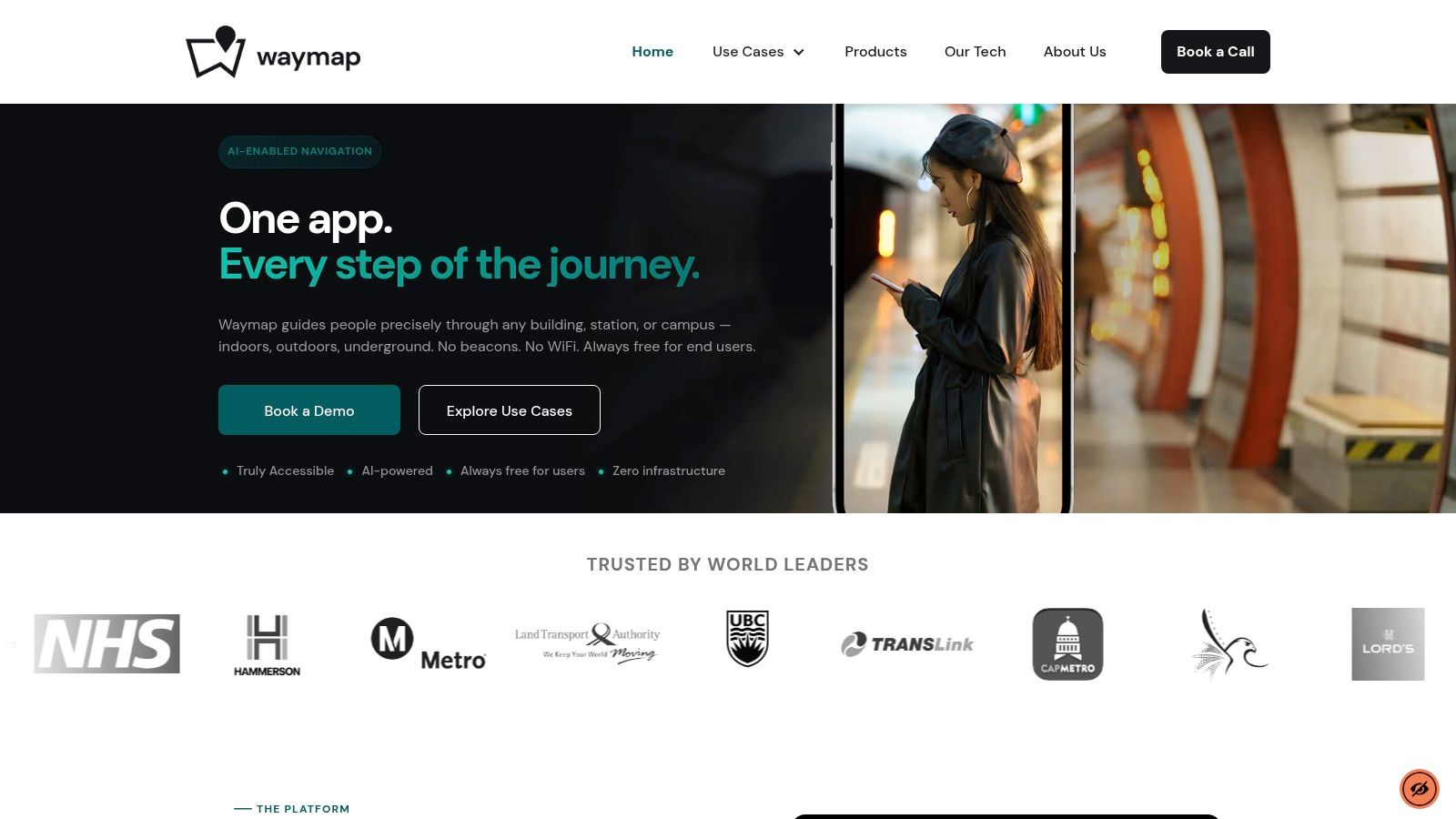
A route app can look excellent on the street, then fail at the hospital entrance, the rail concourse, or the corridor outside a clinic. Waymap is built for that failure point. It focuses on precise guidance indoors, outdoors, and underground by using the phone's motion sensors with detailed venue maps, rather than depending on GPS, Wi-Fi, Bluetooth beacons, or installed hardware.
That technical choice changes the buying decision as much as the user experience. For blind and low-vision users, it supports spoken guidance to specific doors, platforms, and points of interest. For venue managers, it removes the cost and maintenance burden that comes with beacon estates and other fixed infrastructure.
Why Waymap stands apart
Waymap's primary method is dead reckoning, using the phone's own sensors combined with a mapped model of the environment. In practice, it keeps giving direction where conventional map apps often lose positional confidence. Anyone who has watched a blue dot slide through walls inside a station already knows why that matters.
It is also one of the few navigation products where accessibility is part of the system design, not a later add-on. That makes it relevant for organisations working to meet duties under the Equality Act 2010 and align with standards such as BS 8300, PAS 78, and BS EN 17210. For operators assessing wayfinding risk, that is a practical issue, not a branding point.
The indoor question forms the dividing line in this category. Standard app roundups usually compare route speed, traffic data, and place search. They spend less time on what happens after the building entrance. Waymap's own view of why Google Maps struggles indoors is useful context here because it explains the technology gap, not just the feature gap.
Practical rule: If the journey includes indoor entrances, underground corridors, interchanges, clinics, concourses, or large public venues, outdoor-first apps are often no longer enough.
Named deployments are more relevant than marketing claims. Waymap has been used in settings such as the Royal Hospital for Children and Young People, where smartphone navigation supports visually impaired visitors. That is the right way to judge it. The app is not trying to win every driving journey. It is designed for the parts of navigation that mainstream apps still handle poorly.
What works well and what doesn't
Waymap is free for end users. For venues, it is sold as SaaS licensing, with no public pricing. Good CAD drawings usually make deployment faster and cleaner, so implementation quality depends in part on the accuracy of the base plans. If those plans are outdated or incomplete, more mapping work is usually needed before guidance is reliable.
That trade-off is reasonable in the right setting. Venue teams can update points of interest, support multiple languages, and avoid maintaining physical navigation hardware. For NHS estates teams, transport operators, universities, and large retail venues, that can reduce ongoing operational work as layouts and tenant mixes change.
- Best for accessibility-first wayfinding: Originally built for blind and partially sighted users, with clear value in complex public venues.
- Best for infrastructure-free indoor deployment: No beacons, no wiring, no dependence on venue Wi-Fi.
- Best for mixed-environment journeys: Useful where a route crosses outdoor, indoor, and underground spaces in one trip.
2. Google Maps
If someone asks for the best free navigation app with no extra qualifiers, Google Maps is still the default answer. In the UK, it's reviewed as the winner among major navigation apps, ahead of TomTom GO and Waze for search and routing accuracy in free navigation use cases, according to Hagerty UK's reviewed and rated navigation app analysis.
That ranking fits real use. Google Maps is strong because it handles the full mainstream stack well: driving, walking, cycling, public transport, place discovery, rerouting, and offline map downloads for road navigation. It's rarely the most specialised option, but it's usually the least risky one to recommend to a broad audience.
Where Google Maps wins
Its biggest practical advantage is consistency. Search is excellent, place data is deep, and route calculation is dependable across most UK use cases. In-car support through CarPlay and Android Auto also makes it the easiest all-rounder for people who swap between phone and dashboard.
Google Maps is also entirely free to use in the UK, alongside Waze and Apple Maps, with no ad banners or hidden fees in core navigation, as noted by PCMag UK's comparison of Apple Maps, Google Maps and Waze.
Google Maps is usually the right answer when you need one app that can handle most journeys without much thought.
The trade-off is structural. It's designed primarily around mainstream mapping and outdoor navigation. Indoors, that's where its limitations show, which is why indoor wayfinding needs a different approach than Google Maps indoors can usually provide.
- Best for general use: Driving, walking, transit, and POI search in one app.
- Best for simplicity: Easy to hand to almost any user with minimal explanation.
- Weak point: Offline mode is useful for road navigation, but it doesn't replace full-featured live transit, cycling, or indoor guidance.
Use it at Google Maps.
3. Apple Maps
Apple Maps is the strongest free option if you're fully inside the Apple ecosystem and care as much about interface clarity as raw feature count. On iPhone, Apple Watch, and CarPlay, it feels coherent in a way competitors often don't. Turn cues are clear, visual design is calm, and Apple Watch haptics are useful when you're walking in a city and don't want your phone in your hand the whole time.
For UK users, Apple Maps covers the mainstream needs well. Driving guidance is polished, public transport support is solid in major cities, and Look Around adds useful context where available. It's also free to use in the UK, with no ad banners or hidden fees in core navigation, as already noted earlier.
Where Apple Maps fits best
Apple Maps is often better than people assume if your priority is low-friction daily use on Apple hardware. It's especially good for local journeys where visual clarity matters more than niche route customisation. If you already live in iOS, there's no setup tax. It's there, it works, and it feels native.
The main limitation is breadth. Apple Maps doesn't match Waze for community hazard reporting, and it doesn't match specialist apps for hiking, deep offline customisation, or transit-first city travel. It also shares the same broad indoor problem as other mainstream map apps. If you're asking whether GPS works indoors, the short answer is usually no in any dependable way for precise wayfinding.
- Best for iPhone users: Deep integration with iPhone, Apple Watch, and CarPlay.
- Best for clean UI: Fewer distractions than many rivals.
- Weak point: Less flexible than more specialised apps when a journey gets complicated.
Visit Apple Maps.
4. Waze
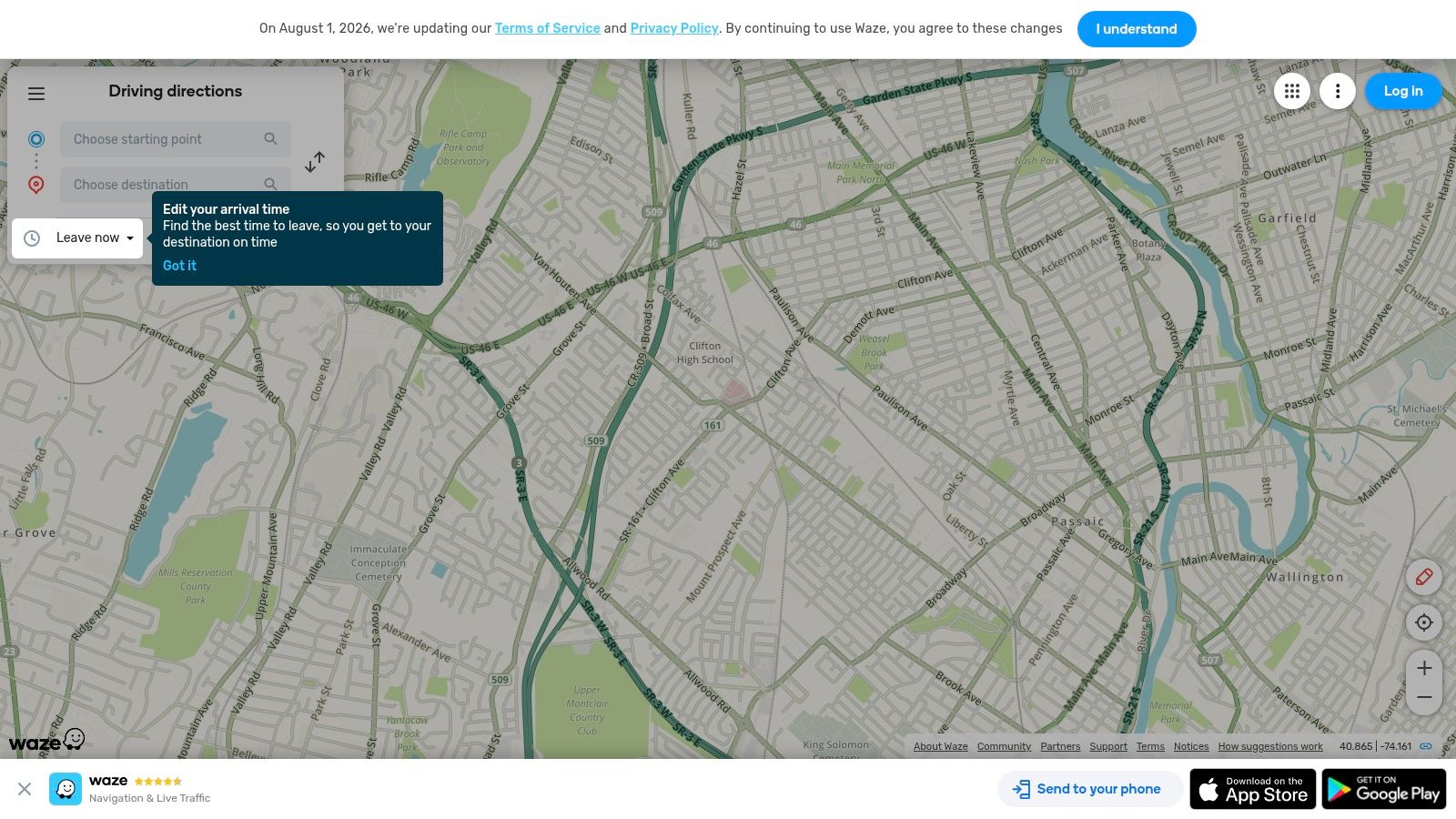
Waze is the app for drivers who care most about what's happening on the road right now. In the UK, it's ranked second overall and is the best choice for traffic avoidance because of its live traffic updates, real-time safety alerts, and community-driven route optimisation, according to Auto Express's best navigation apps review.
That position makes sense. Waze doesn't try to be your everything app. It focuses on driving, and more specifically on disruption-heavy driving. If your usual routes involve roadworks, crashes, lane closures, speed camera awareness, or commuter congestion, Waze often feels faster because it's built around rapid community feedback.
Where Waze earns its place
Its hazard reporting loop is the point. Drivers feed the system, and the system adapts quickly. That can make a real difference on motorways and urban roads where conditions shift minute by minute. For many commuters, that's more valuable than prettier maps or broader place data.
On-the-road judgement: Waze is strongest when your priority is avoiding the next problem, not finding the best café near your destination.
The catch is that quality depends on active reporting in the area. In well-covered places, it's excellent. In quieter areas, the advantage narrows. It's also a driving app first. If you need multimodal trip planning, indoor guidance, or precise pedestrian accessibility support, you'll want something else. That's the wider issue in mapping and navigation today, where one app rarely covers every context well.
- Best for live road intelligence: Especially useful on busy UK road networks.
- Best for commuter driving: Dynamic rerouting is its key appeal.
- Weak point: Less balanced than Google Maps outside the car.
Try it at Waze.
5. HERE WeGo
HERE WeGo is the app I recommend when someone says, “I want a proper alternative to Google Maps, and I care about offline use.” It has a cleaner focus than many mainstream apps and makes sense for people who travel across the UK and Europe without wanting to rely on constant signal.
Its strength is practical resilience. Downloadable maps, solid turn-by-turn guidance, and public transport information in many cities make it a good fit for mixed travel days. If your route includes patchy reception, cross-border travel, or a desire to keep navigation dependable without streaming everything live, HERE WeGo holds up well.
Why travellers still pick HERE WeGo
Unlike some free apps, HERE WeGo doesn't feel like an offline feature was bolted on later. Offline routing is central to the experience. That matters on rural drives, unfamiliar European roads, and trips where mobile data becomes a hassle.
The trade-off is ecosystem depth. Search and place information don't feel as rich as Google's. If you use your navigation app as a discovery engine for shops, reviews, opening times, and user photos, you'll notice the gap.
- Best for offline road travel: A strong choice when signal reliability matters.
- Best for European trips: Good fit for users moving between countries.
- Weak point: Smaller POI ecosystem than the market leaders.
Use HERE WeGo.
6. Citymapper
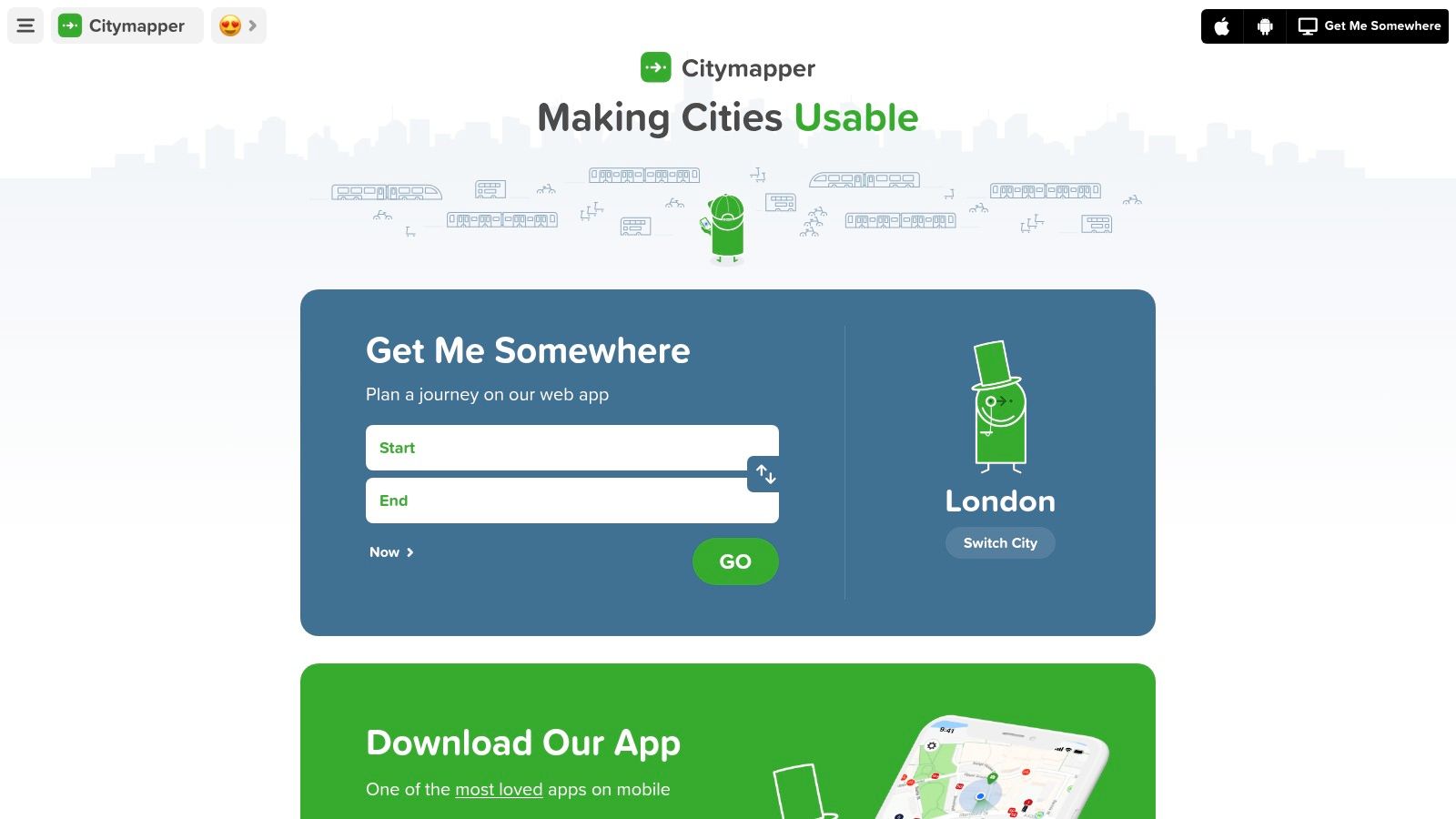
Citymapper is the best free navigation app for many public transport users in major cities, especially London. If your journey is “walk to the station, switch lines, catch the right exit, then maybe hop on a bus or bike,” Citymapper is often clearer than general-purpose map apps because that's the journey model it was designed around.
Its interface is the key differentiator. It compares mixed-mode options quickly, surfaces disruption clearly, and makes urban transport feel legible instead of overwhelming. For visitors and occasional riders, that reduction in mental load matters as much as route quality.
Best for urban multimodal journeys
Citymapper is at its best when transport choice is the problem. Tube or bus. Fastest or fewest changes. Walk a bit more or avoid a crowded route. General map apps can give answers. Citymapper is better at framing the options in a way regular city travellers use.
That city-first design is also its limit. Outside supported urban areas, value drops quickly. It isn't trying to be your countryside driving app or venue navigation tool. For larger public transport journeys, it also helps to understand where standard transit directions stop and where public transportation directions need more precise last-metre navigation.
- Best for London and major cities: Strong multimodal route comparison.
- Best for disruption-heavy commuting: Alternative routes are easy to understand.
- Weak point: Rural and non-supported areas aren't its strength.
Visit Citymapper.
7. Moovit
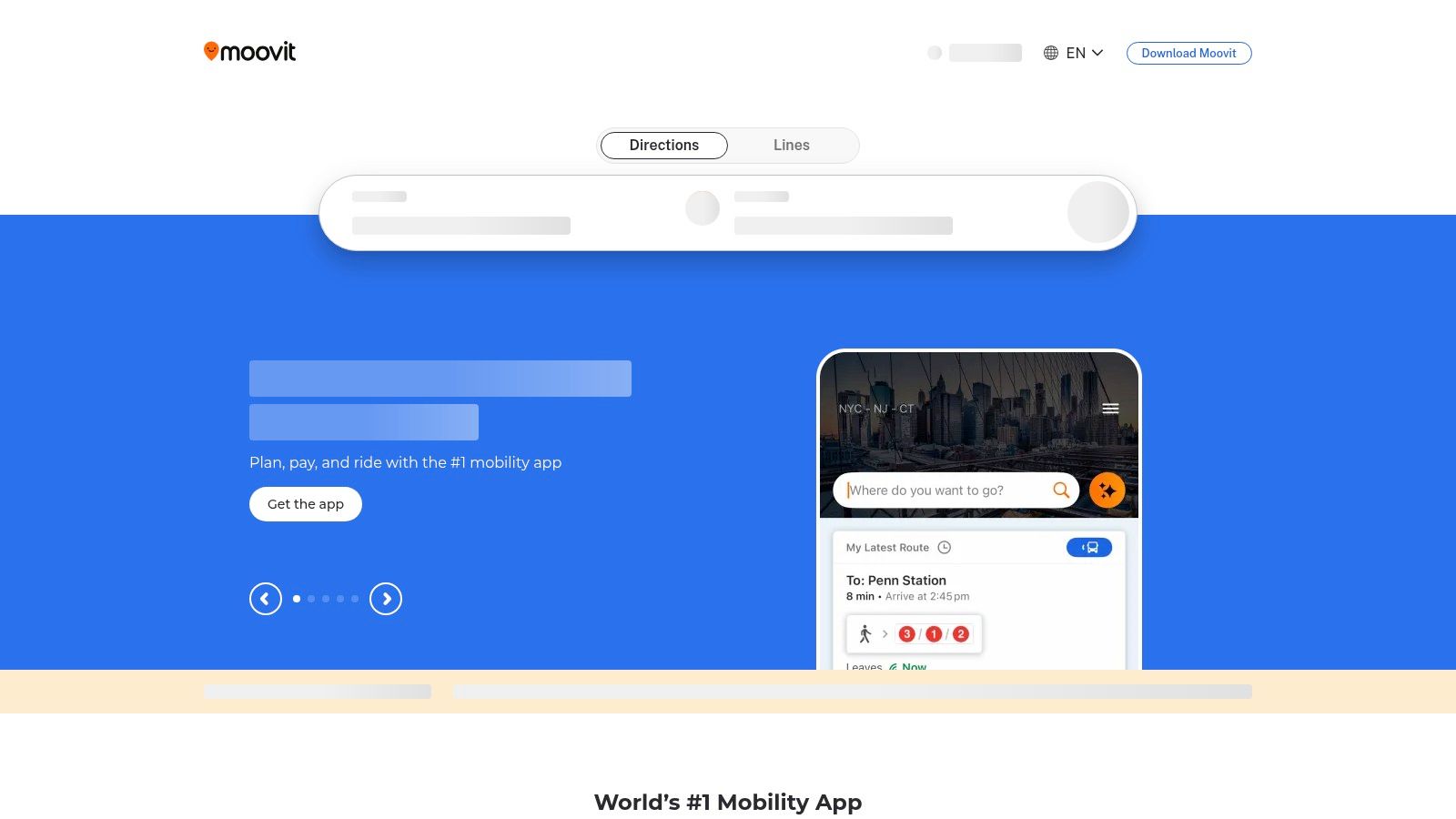
Moovit is a transit specialist with a broad, practical brief. It combines official transport feeds with community input, which makes it useful for buses, trains, trams, and multi-agency public transport where timetables and reality don't always line up cleanly.
The app is particularly approachable for visitors and occasional riders. Onboarding is straightforward, live directions are easy to follow, and service alerts are usually presented in a more digestible way than many agency apps. If Google Maps feels too broad and a local operator app feels too narrow, Moovit often lands in the middle.
Where Moovit is most useful
Moovit works best as a public transport companion rather than a complete navigation replacement. It helps you understand arrivals, route options, and service changes. It does not try to be the strongest app for car navigation, outdoor recreation, or highly accurate indoor guidance.
That focus is both the advantage and the limitation. If you use buses and rail often, that specialisation is valuable. If you want one app for every trip type, it can feel incomplete.
- Best for public transport users: Clear live directions and service updates.
- Best for visitors: Easy to pick up quickly in unfamiliar cities.
- Weak point: The free version includes ads, and the app isn't built for driving-first use.
Explore Moovit.
8. Transit
Transit has one of the friendliest interfaces in this category. That sounds minor until you're trying to make a fast decision on a platform, at a bus stop, or in a city you don't know well. It's quick, visually clear, and built around what a rider needs in motion rather than what looks impressive in a feature list.
Live vehicle tracking and step-by-step transit guidance are the core strengths. In supported cities, integrations and mobile ticketing options can also make the app feel more complete than a pure planner. It's the sort of tool that commuters keep because it reduces friction, not because it tries to do everything.
A good rider app, not an all-purpose map
Transit is strongest where agency partnerships are active and city coverage is good. In those places, it feels polished and immediate. In places with thinner support, the experience can vary.
That variability is the key trade-off. Transit is worth checking if you ride public transport regularly, but it isn't the universal answer for road navigation, walking trails, or indoor accessibility.
- Best for daily riders: Fast interface and clear live tracking.
- Best for supported cities: Agency integration can add real convenience.
- Weak point: Coverage and some capabilities vary by city, and some advanced features sit in the paid tier.
Visit Transit.
9. OsmAnd
OsmAnd is what I'd call the power user's free navigation app. It's built on OpenStreetMap data, respects offline use, and gives you much more control than mainstream apps do. For walking, cycling, hiking, and signal-poor travel, that control can be exactly what you want.
It's also one of the better choices for privacy-conscious users who'd rather not hand every movement to a large ad ecosystem. Beyond its privacy advantages, it works well where custom map layers matter. Trails, contours, hill shading, and route detail all make more sense here than in general urban navigation apps.
Best for offline and outdoor detail
OsmAnd shines when the route is part of the task. If you're navigating a national park, planning cycle routes, or working in places with weak signal, it has depth that Google Maps and Apple Maps don't try to provide. You can tailor the app heavily, and that flexibility is real.
The downside is obvious within minutes. The interface is more technical, the setup takes longer, and some users will bounce off it. If you want instant familiarity, OsmAnd isn't the best pick.
Use OsmAnd when you want control. Avoid it when you want the app to make most of the decisions for you.
- Best for hikers and cyclists: Strong map detail and outdoor-focused options.
- Best for offline control: Works well without continuous data.
- Weak point: The learning curve is steeper than with mainstream apps.
Download it from OsmAnd.
10. Mapy.com
Mapy.com, formerly Mapy.cz, is one of the more underrated free navigation apps for UK and European travel. It's particularly good for offline walking, hiking, and general road navigation, with cartography that's easier to read than many rivals when you care about terrain, footpaths, or tourist layers.
This is a strong “second app” choice. Many users won't replace Google Maps with it full time, but they'll keep it installed because it handles offline and outdoor route reading well. In that role, it's excellent.
Why Mapy.com deserves a place here
Its offline-first approach is useful for walking trips, travel days, and routes where detail matters more than business search. The thematic layers are also practical. Tourist and transport views give you different ways to read the same space depending on what you're doing.
The trade-off is that it still isn't the universal app for everyone. If your life is mostly urban commuting, dynamic traffic avoidance, or accessibility-led indoor navigation, other tools are a better fit.
- Best for offline outdoor travel: Especially useful across Europe.
- Best for readable mapping: Footpaths and tourist layers are helpful.
- Weak point: Unlimited offline country access sits behind premium features.
Use Mapy.com.
Top 10 Free Navigation Apps Comparison
A free navigation app can look excellent in a feature list and still fail in the moment that matters. A blind passenger changing trains, a hospital visitor trying to find radiology, and a driver avoiding a motorway closure are solving different technical problems. This comparison separates broad consumer mapping from apps built for offline use, transit density, or accessibility-critical journeys.
| Product | Core features | UX & accuracy | Value & pricing | Target audience | Unique selling points |
|---|---|---|---|---|---|
| Waymap 🏆 | Precision indoor, outdoor, and underground navigation; motion-sensor AI; no installed hardware | ★★★★★ step-accurate guidance; hands-free audio; adaptive stride learning | 💰 Venues: SaaS (contact sales); End users: free | 👥 Blind and low-vision users, general visitors, venue operators | ✨ Beacon-free deployment; fast POI updates; useful for Equality Act 2010 accessibility planning |
| Google Maps | Driving, walking, cycling, and transit; rich POI data and photos; live traffic | ★★★★★ reliable routing and ETA for everyday UK use | 💰 Free; commercial APIs priced | 👥 General public, drivers, travellers | ✨ Huge POI database; strong traffic handling; useful offline driving maps |
| Apple Maps | Deep iOS and watchOS integration; turn-by-turn guidance; Look Around | ★★★★ polished guidance; strong haptics | 💰 Free (Apple ecosystem) | 👥 iPhone and Apple Watch users | ✨ Deep Apple device integration; privacy-forward design |
| Waze | Community-powered driving app; incident reports and live rerouting | ★★★★ excellent real-time road alerts | 💰 Free; ad-supported | 👥 Drivers focused on commute times | ✨ Crowd alerts for incidents and cameras; aggressive rerouting |
| HERE WeGo | Downloadable offline maps by region; driving, walking, and cycling | ★★★★ reliable offline routing | 💰 Free; premium services for enterprise | 👥 Travellers, offline users | ✨ Dependable offline maps across countries and continents |
| Citymapper | Door-to-door multimodal journeys; disruption alerts | ★★★★★ excels in dense urban transit | 💰 Free, plus optional low-cost subscription | 👥 Urban commuters and transit planners | ✨ Exceptionally strong multimodal routing in supported cities |
| Moovit | Global transit app with official feeds and community reports | ★★★★ clear live arrivals and step guidance | 💰 Free (ads); ad-free tier available | 👥 Transit riders and visitors | ✨ Combines agency data with crowd reports to improve reliability |
| Transit | Rider-centric real-time tracking; mobile ticketing in select cities | ★★★★ fast and easy for daily commuting | 💰 Free; Royale premium features | 👥 Daily commuters and agency partners | ✨ Live vehicle tracking plus ticketing integrations |
| OsmAnd | Open-source OSM maps; full offline routing; outdoor plugins | ★★★★ fully offline and highly configurable | 💰 Free tier; paid tiers remove limits | 👥 Hikers, cyclists, privacy-minded users | ✨ Custom map styles, contour maps, and hiking tools |
| Mapy.com | Offline-first European maps; tourist and footpath layers | ★★★★ very good for outdoor and European travel | 💰 Free (one country); premium for unlimited offline | 👥 European walkers, hikers, tourists | ✨ Detailed tourist layers and legible cartography |
The right choice depends on where failure is least acceptable. For broad day-to-day use, Google Maps still covers the most ground. For drivers, Waze often reacts faster to road incidents. For city transit, Citymapper, Moovit, and Transit are stronger because they present journeys the way riders make them. For offline hiking and privacy, OsmAnd and Mapy.com solve a different problem well.
Waymap stands apart because it is not just another map app with accessibility settings layered on top. Its underlying approach is designed for places where GPS drops out and installed indoor infrastructure is missing. That matters for venues assessing accessibility obligations under the Equality Act 2010, and for users who need guidance that keeps working inside stations, hospitals, campuses, and other complex public buildings.
Final Thoughts
The best free navigation app depends on the failure point in your journey.
For mainstream driving and everyday use, Google Maps is still the most dependable all-rounder. It's widely used, free, and in the UK it remains the top-reviewed choice for broad search and routing quality. If your priority is beating congestion and reacting to live disruption, Waze is often the better driving app. If you live on public transport in a major city, Citymapper, Moovit, or Transit can all be more useful than a general map because they frame urban travel the way riders experience it.
The bigger mistake is assuming one app should win every category. It won't. Outdoor road navigation, multimodal city travel, hiking, and indoor accessibility are different technical problems. Apps that look similar in the store often rely on very different strengths underneath. That's why “best free navigation app” isn't a single universal answer. It's a selection problem.
For us, that's where Waymap stands apart. Conventional map apps are built around satellite positioning and broad consumer use. Waymap is built for precision in places where that model breaks down, especially indoors, underground, and in complex public venues. It uses device-native motion sensors and mapped environments instead of installed hardware, GPS, or venue Wi-Fi. That makes it relevant not just to users who need better navigation, but to transport operators, hospitals, universities, retail centres, and public venues trying to improve wayfinding without adding another hardware layer to maintain.
That matters for accessibility as much as operations. Under frameworks such as the Equality Act 2010, accessible environments are not just about ramps, lifts, and signage. They're also about whether people can independently reach the right place. For blind and partially sighted users, and for anyone navigating a confusing venue, precise audio guidance changes the quality of the visit. For estates and operations teams, infrastructure-free deployment removes a major barrier that often kills accessibility projects before rollout.
One final market point is worth keeping in view. The global navigation app market was valued at $16.2 billion in 2022 and is forecast to reach $36.6 billion by 2028, growing at a 14.8% compound annual rate, according to Business of Apps' navigation app market analysis. That growth tells you navigation isn't becoming a solved problem. It's becoming more segmented, more context-specific, and more important.
Choose the app that matches the journey you take, not the one with the broadest marketing.
FAQ
What is the best free navigation app?
The best free navigation app is Google Maps for general use, but Waymap is the better choice when you need precise indoor, outdoor, and underground navigation with accessibility-first guidance.
Which free navigation app is best for driving in the UK?
Google Maps is the safest all-round pick for UK driving, while Waze is often better if live traffic avoidance and incident reporting are your top priorities.
Which free navigation app is best for public transport?
Citymapper is often the best option in major cities, especially London. Moovit and Transit are also strong choices for live public transport guidance.
Which free navigation app works best indoors?
Waymap works best indoors because it's designed for environments where GPS is unreliable or unavailable, using smartphone motion sensors and mapped venue data rather than satellite positioning.
Is Google Maps still the best free navigation app in 2026?
For broad mainstream use, yes. It remains the default recommendation for drivers and general-purpose navigation, especially in the UK.
What's the best free navigation app for blind or partially sighted users?
Waymap is the strongest fit when precise audio guidance and accessibility-led design are the priority, particularly in complex venues and signal-poor environments.
If you need navigation that goes beyond roads and blue dots, Waymap is built for the part of the journey most apps still miss. It guides people indoors, outdoors, and underground to exact doors, platforms, and points of interest without GPS, Wi-Fi, or installed hardware, and it's free for end users. For venues and operators, it offers an infrastructure-free wayfinding layer that supports accessibility, reduces maintenance overhead, and makes complex spaces easier for everyone to use.
