
Mapping iPhone Apps: A 2026 Professional Guide
Which mapping app really delivers for your venue and visitors? For most iPhone users, mapping is a solved problem. They open the default app, follow the blue line, and arrive somewhere close enough.
That isn't your problem.
If you run a station, hospital, university, shopping centre, or civic estate, the destination isn't a postcode. It's a specific entrance, clinic, platform, desk, gate, or unit. The journey often starts outside, crosses car parks and concourses, then moves indoors or underground where standard phone navigation becomes far less dependable. Conventional round-ups of mapping iphone apps rarely deal with that operational reality.
They also tend to ignore accessibility. In the UK, that matters. Around 2 million people in the UK are living with sight loss, and many venue teams are under growing pressure to make digital services meaningfully usable, not just nominally available. A mapping app that works for a confident commuter on a pavement may still fail a visitor trying to reach the right outpatient department or platform without asking staff for help.
This is why the right buying question isn't “which app is most popular?” It's “which app gives us reliable, manageable, accessible navigation across the actual estate we operate?” That includes signal-poor areas, operational upkeep, analytics, and the wider app user experience that shapes adoption.
Below is the short list that matters, assessed from a venue and mobility perspective rather than a consumer app-store perspective.
1. Waymap
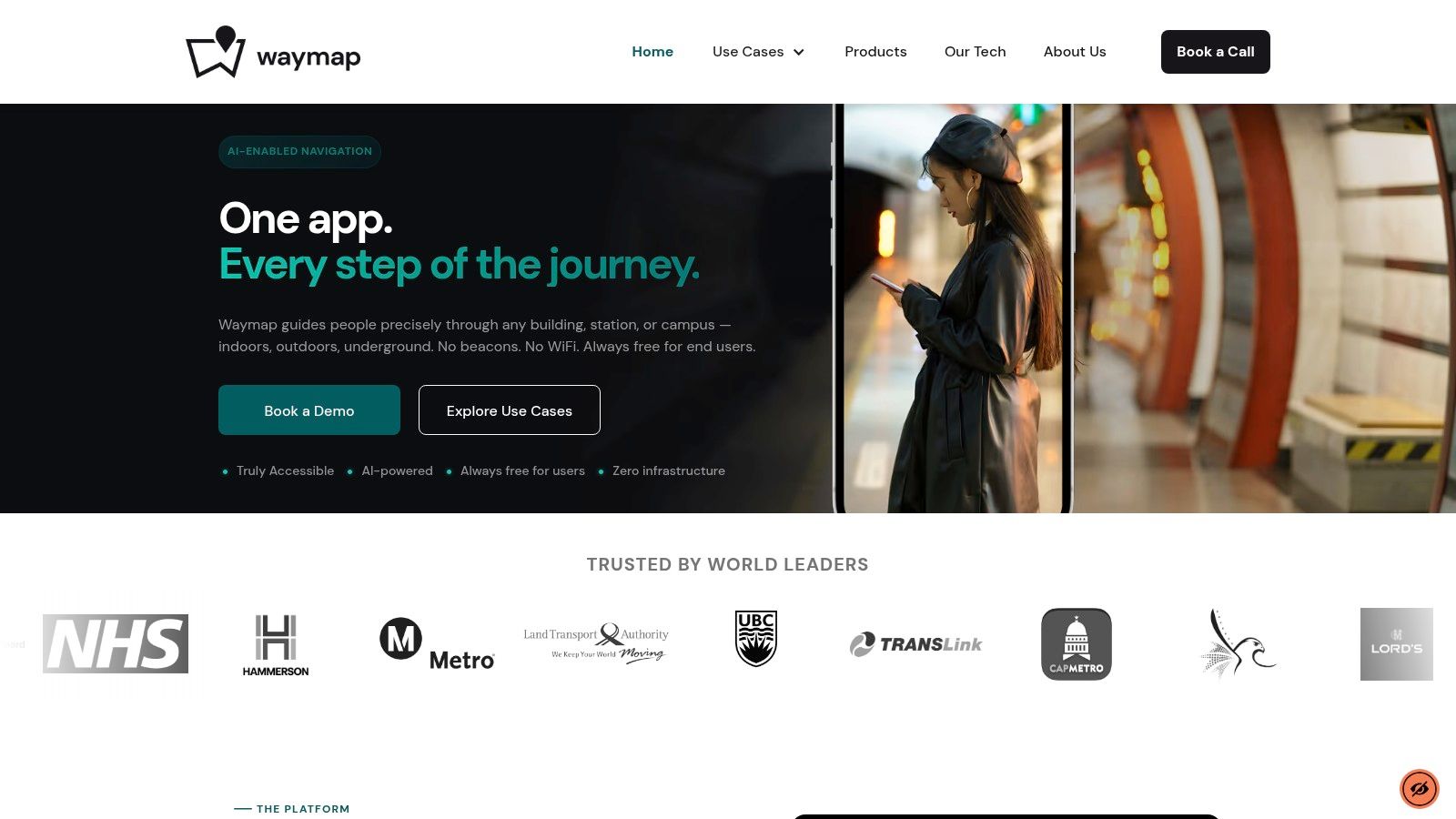
Waymap belongs in a different category from most mapping iphone apps because it isn't trying to be a general-purpose map of everywhere. It's built to solve exact navigation in complex estates, including indoors and underground, where GPS, mobile data, and hardware-heavy indoor positioning approaches often become the weak point.
For operators, that distinction matters more than feature count. If your visitors need to reach a clinic reception, a rail platform, a lecture room, or a retail unit, “near enough” navigation creates friction, complaints, missed connections, and avoidable demand on staff.
Where Waymap changes the decision
Waymap uses smartphone motion sensors and detailed venue maps to provide step-accurate guidance without relying on GPS, Wi-Fi, or installed beacons. That's the core operational advantage. It removes a lot of the infrastructure burden that makes indoor wayfinding projects expensive to deploy and tedious to maintain.
It was also built first for blind and low-vision users, which shows in the product design. The guidance is audio-led, hands-free, and intended to get people to exact destinations rather than just the right building.
Practical rule: If your estate includes basements, deep retail, underground transport, or multi-building transitions, test for exact-destination performance, not just route display.
A lot of venue teams start by assuming beacons or Wi-Fi triangulation are unavoidable. In practice, that often means procurement, maintenance, battery replacement, and recurring fault management. Waymap's infrastructure-free model is the more operationally sensible starting point if you want a wayfinding layer that facilities and digital teams can sustainably support.
A useful example of the underlying approach is Waymap's work on LiDAR scanner iPhone navigation and positioning, which shows how the company thinks about precision navigation beyond standard consumer map assumptions.
What works and what to watch
What works well is the alignment between accessibility and operations. The same precise guidance that helps a blind traveller can also reduce confusion for first-time visitors, non-native speakers, and anyone moving through a large unfamiliar site. Venues license the platform, while the app remains free to the user, which is the right commercial model for public-facing estates.
Trade-offs still exist:
- Best fit for managed venues: Waymap is strongest where an operator wants to map and maintain its own environment properly.
- Dependent on venue adoption: A user only gets coverage where a venue has chosen to deploy it.
- Map quality still matters: Good floor plans and sensible destination data improve outcomes. Poor estate data creates work in any wayfinding project.
At Waymap, we'd be direct about this. If you need an app for roads, café search, and everyday city navigation, use a consumer map. If you need reliable navigation to exact places inside complex estates, Waymap is the specialist option.
2. Apple Maps
Apple Maps is the default choice for many iPhone users because it's already there, closely integrated with iOS, and easy to operate through Siri, Apple Watch, and CarPlay. For outdoor routing and mainstream travel tasks, that convenience matters.
For venue operators, though, Apple Maps is best understood as a strong outer-layer navigation tool. It gets people to your site well enough. It is not, by itself, a complete answer once the visitor leaves the pavement and enters a complex estate.
Why Apple matters operationally
The strategic value of Apple Maps is less about map styling and more about iPhone reach and App Store behaviour. For 2025, Apple devices account for 52.95% of the global mobile application market size and the Apple App Store captured 62.95% of mobile application market share. For premium, service-led mobile experiences, that makes iPhone support hard to treat as optional.
That matters if you're deciding where to prioritise digital wayfinding investment. For a UK transport hub, hospital, or campus, an iPhone-first launch often makes practical sense because the device base and app economy justify careful onboarding and optimisation.
Apple's broader mapping ecosystem also shapes user expectations around design and privacy. If you're building any complementary navigation service, it helps to understand how mapping technology choices affect user behaviour.
Consumer maps set the expectation for getting to the venue. They don't remove the need for a specialist wayfinding layer inside it.
The trade-off
Apple Maps is excellent when the problem is “take me there”. It's weaker when the problem is “take me to the exact right place inside a large, busy, multi-level estate”.
That's not a flaw in Apple Maps. It's a different job.
3. Google Maps
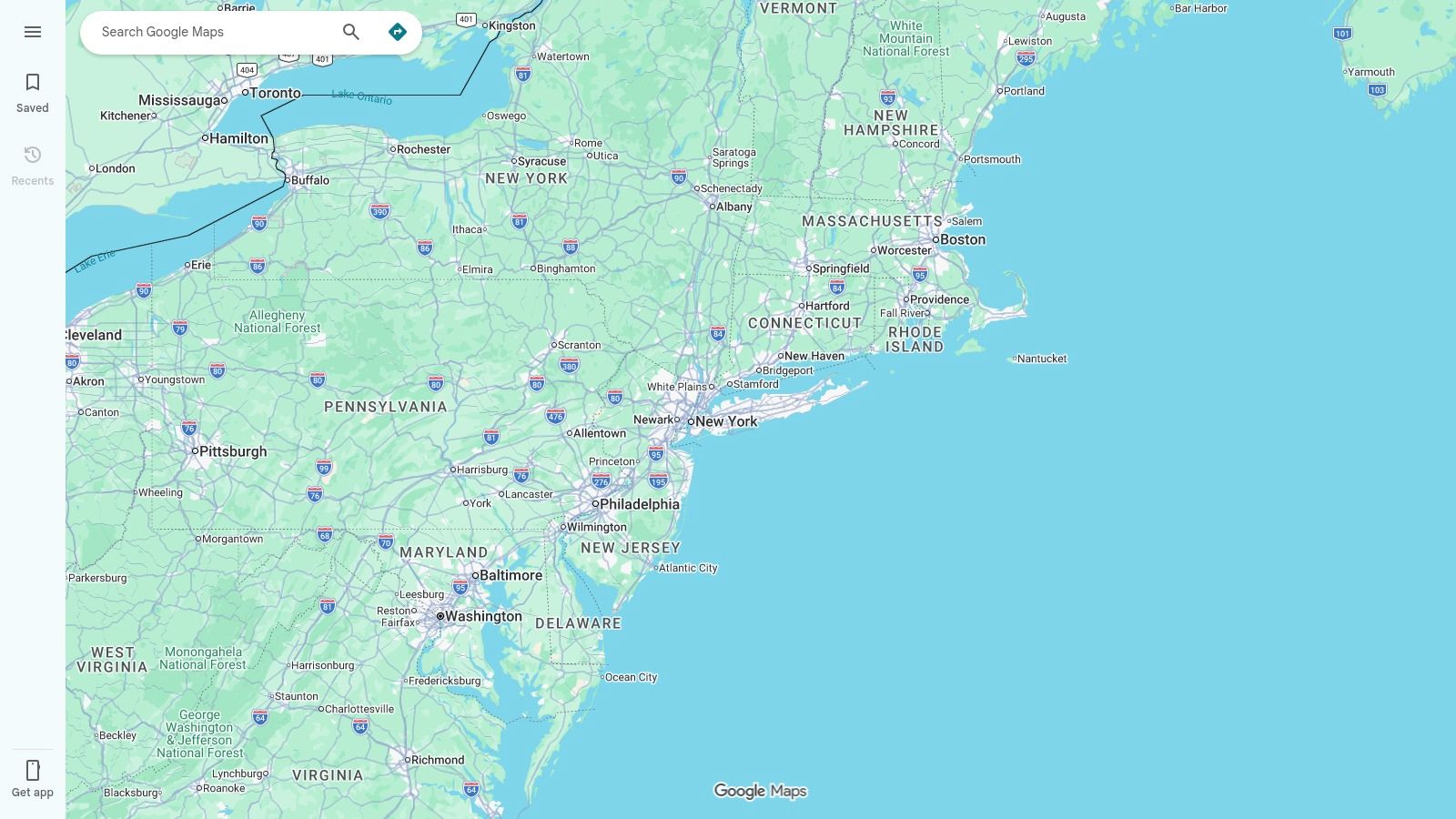
Google Maps remains the benchmark for broad place search, business listings, street-level context, and general trip planning. If someone wants to find a venue, compare routes, check nearby amenities, or understand the surrounding area, Google Maps is usually the first tool they trust.
That's why many organisations overestimate it.
Google Maps is very strong at finding places. It is much less reliable as a precision layer inside the places that matter most operationally, especially where the environment is underground, multi-level, or structurally complex.
Where Google Maps helps and where it stops
For operators, Google Maps earns its place because visitors already use it. Good listing hygiene, correct entrances, and updated place data can reduce inbound confusion before a customer even arrives. That work is worth doing.
But the gap remains indoors. The core question for many estates is what happens when phone-based navigation loses its assumptions about line of sight, satellite access, and open-sky positioning. That's exactly where most articles about Google Maps indoors and indoor navigation limits become relevant.
The issue is not whether Google Maps is “good”. It is. The issue is whether it can guide someone to a specific consulting room, concession stand, or platform edge with enough confidence to reduce staff intervention. In most complex venues, the answer is still no.
Best use case
Use Google Maps as the front door. Don't expect it to solve the building.
That's the cleanest way to think about it.
4. Citymapper
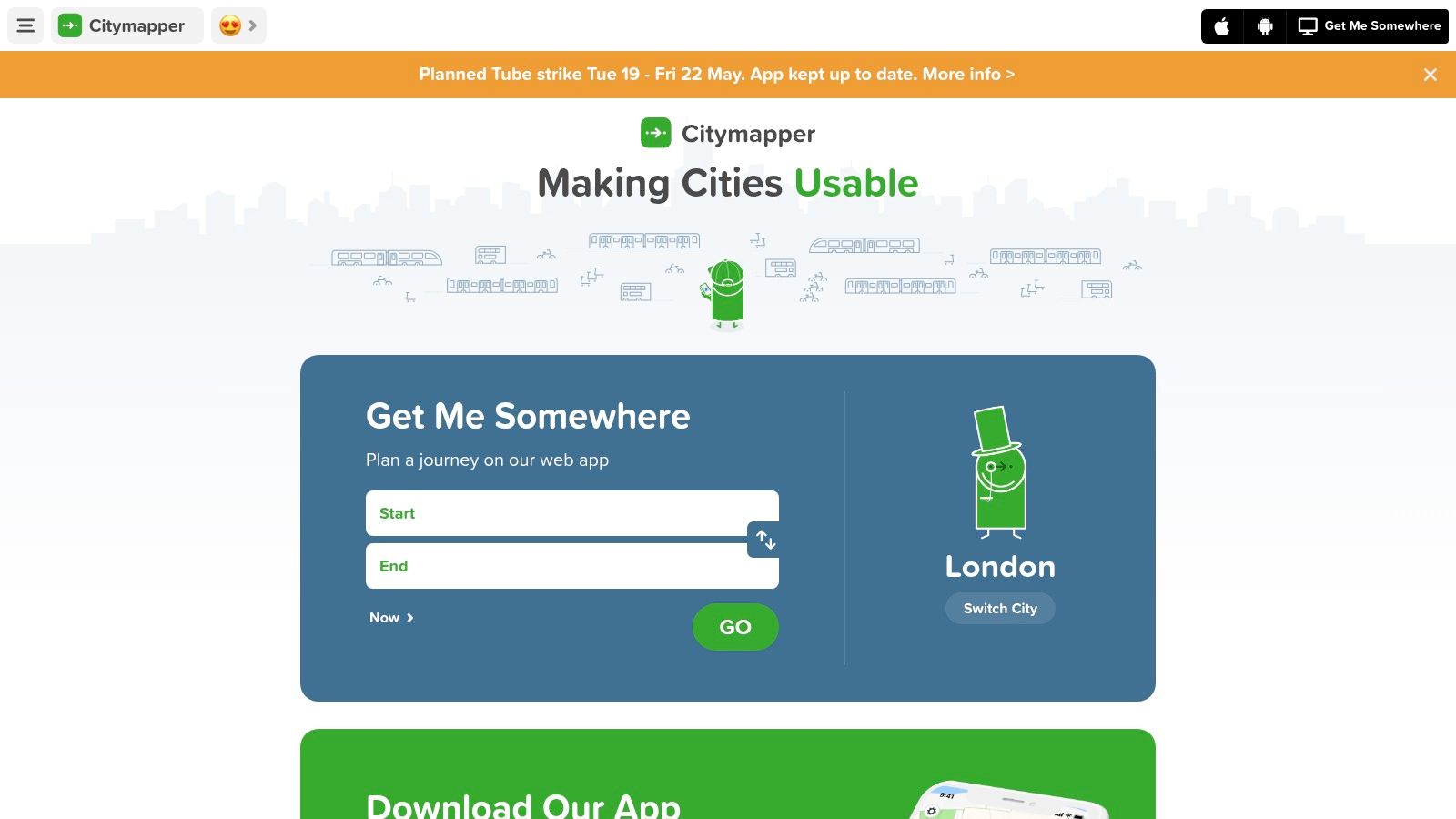
Citymapper is one of the few mapping iphone apps that consistently reflects how people move through large cities. In London especially, it understands the traveller's problem better than many general-purpose map apps do.
That makes it highly relevant if your venue depends on public transport access. A rail terminal, university, hospital trust, or arena in a major city benefits when visitors can understand the whole multimodal journey, not just the final walking segment.
Why Citymapper works for dense urban estates
Citymapper is strongest when journeys involve mode changes, service disruption, and timing pressure. It handles the details of Tube, rail, bus, walking, and micromobility far more naturally than apps designed around car-first logic.
For decision-makers, the trade-off is straightforward. Citymapper is excellent as a journey-planning companion in major urban areas. It is not a venue navigation platform.
- Strong for commute-heavy locations: Especially useful when your visitors arrive by public transport rather than private car.
- Useful for disruption-aware planning: Better than many apps at helping users adapt in large cities.
- Not enough for indoor estates: It still leaves the final exact-destination problem unsolved.
A station operator in London may absolutely want visitors using Citymapper to reach the network. That same operator still needs a different answer once the passenger is inside the interchange.
5. Moovit
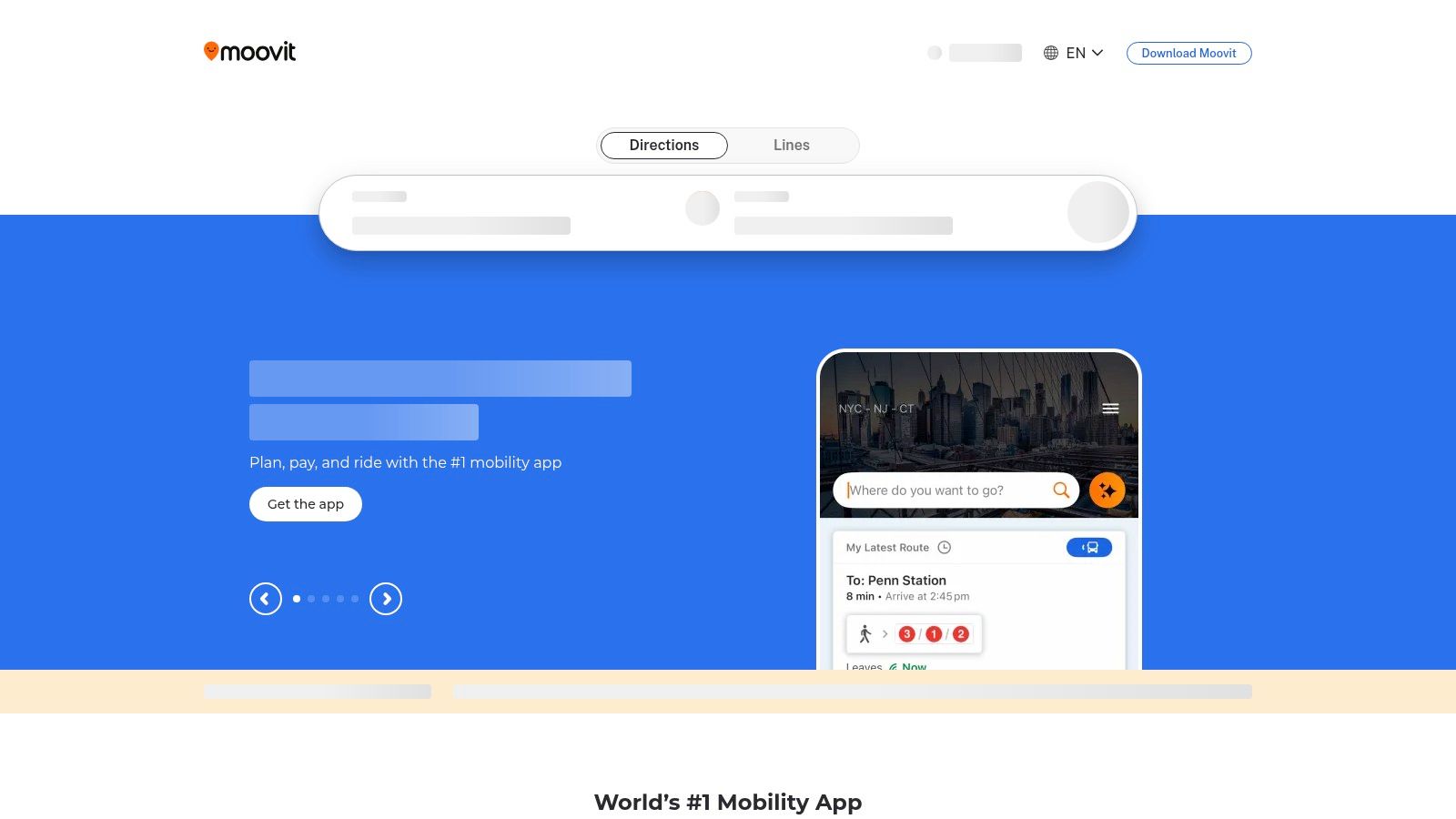
Moovit sits close to Citymapper in the shortlist, but the practical difference is breadth. It tends to be the better fit when you need broad transport coverage across multiple markets, agencies, or travel contexts rather than a single standout city experience.
That can matter to venue groups with a national footprint. If you run several sites and want a common transport-planning recommendation for visitors, Moovit is often easier to justify than a city-specific app.
The operational fit
Moovit works best as a public transport intelligence layer. Live arrivals, service alerts, and step-by-step transit guidance are valuable for visitors who need confidence before they reach your estate.
Where it becomes less compelling is interface discipline. Compared with Citymapper, it can feel busier. For everyday users that may be acceptable. For some accessibility-sensitive audiences, a denser interface can create friction.
If your service model depends on reduced anxiety before arrival, transport clarity matters. If it depends on exact wayfinding after arrival, you still need another layer.
Moovit is a good recommendation for journey planning. It isn't the answer to indoor wayfinding, accessibility at the point of movement, or exact destination guidance inside complex venues.
6. what3words
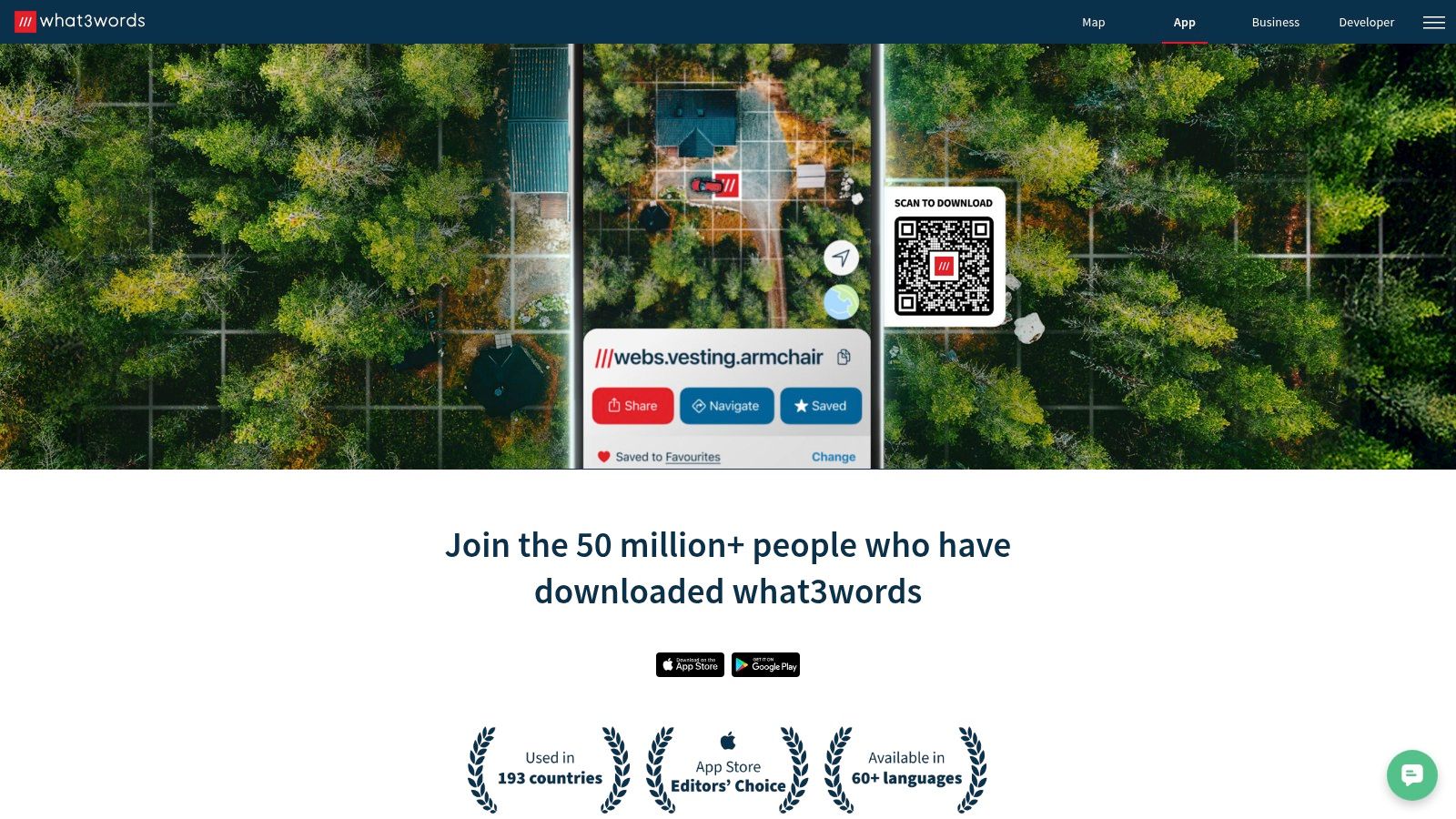
what3words isn't a full mapping app in the normal sense. It's a location reference system. That distinction is important because teams often try to use it as a navigation solution when it's really better as a precision handoff tool.
It's most useful when the challenge is communicating an exact outdoor or outdoor-adjacent location clearly. Delivery points, event meet-ups, temporary entrances, car-park rendezvous points, and some emergency access scenarios all fit that pattern.
Where it helps and where it doesn't
what3words is easy to share and easier for many users to remember than coordinates. As a communications layer, that's helpful.
As a complete wayfinding solution, it isn't enough. It doesn't solve route quality inside buildings. It doesn't remove the need for accessible guidance. It doesn't tell a visitor how to move through a complex interchange after reaching the right exterior square.
That means it's best treated as an add-on.
- Good for exact meeting points: Especially where conventional addresses are vague.
- Helpful for estates with awkward entrances: Temporary or secondary access points are easier to communicate.
- Weak as a standalone navigation answer: You still need a route engine or venue guidance layer.
For many operators, what3words is useful in customer communications. It is rarely the system you'd choose to carry the full navigation burden.
7. OS Maps
OS Maps is the specialist choice for outdoor navigation in Great Britain. If the question is rights of way, terrain, rural access, or route confidence beyond normal road mapping, it's hard to beat.
That makes it highly relevant for estates with extensive outdoor land. Universities, heritage sites, country parks, utility operators, and large healthcare campuses can all benefit from the quality of topographic context OS Maps provides.
Why professionals still trust it
Ordnance Survey remains the reference standard for British mapping. In practical terms, that means fewer unpleasant surprises when routes cross paths, open land, public rights of way, and poorly signposted rural edges.
Its weakness is obvious too. OS Maps is built for outdoor navigation. It does not claim to solve the transition into a building, through a concourse, or down to a specific indoor destination.
For organisations with mixed estates, that usually means pairing it with something else. Use OS Maps for the grounds. Use a different tool for the building interior.
8. Komoot
Komoot is a route-planning app before it is a general map. That's why it has such a loyal following among walkers, cyclists, and outdoor users who care about path quality, surface type, and route character rather than basic shortest-path navigation.
For venue leaders, Komoot matters when access is part of the visitor experience. Think university grounds, tourism estates, leisure destinations, or campuses where active travel is a policy priority.
Best fit for active travel strategies
Komoot is useful when you want to support people arriving by foot or bike and need route suggestions that feel intentional rather than improvised. It's better than mainstream mapping apps at helping users choose routes they want to take.
Its limits are also clear. POI depth is not the point. Urban consumer utility is not the point. Indoor navigation is definitely not the point.
If your brief includes encouraging active travel across a large external estate, Komoot is worth recommending. If your brief is exact accessible navigation to an indoor destination, it isn't the right product category.
9. Waze
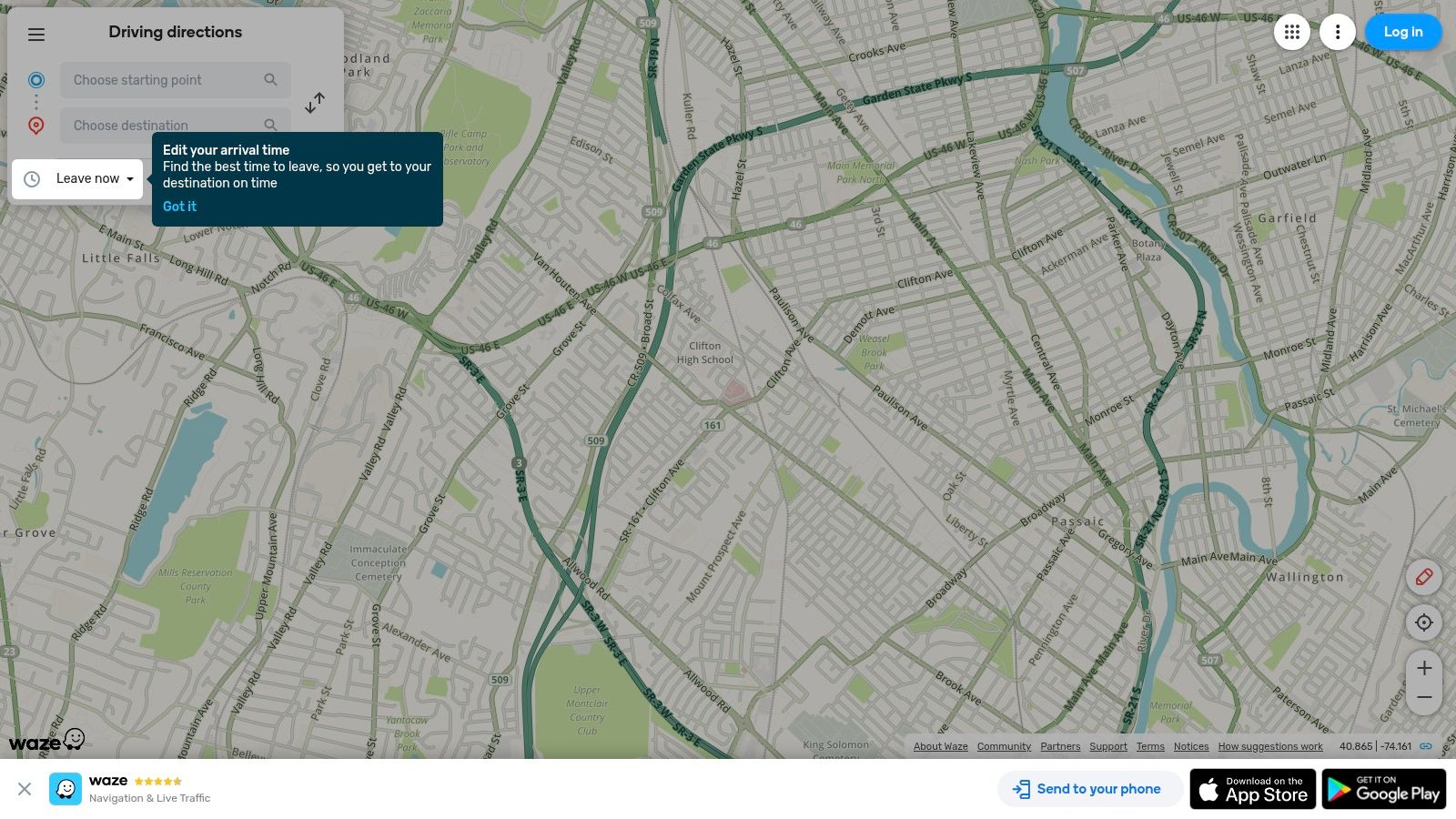
Waze is still one of the best tools for motorists dealing with congestion, incidents, and constantly changing road conditions. It works because drivers contribute live intelligence, and the app responds quickly.
That makes it useful if a large share of your visitors arrive by car. Retail parks, stadiums, hospitals, and out-of-town campuses can all benefit when users avoid road disruption before they hit the car park queue.
The real trade-off
Waze is excellent until the visitor parks.
After that, its value falls away sharply. It doesn't help with walking inside a campus, navigating a multi-level facility, or reaching a particular service point. For many venues, that means Waze can improve approach traffic while doing nothing for on-site wayfinding.
This is a common pattern across mapping iphone apps. The best road-navigation tools often have very little to say about the last few hundred metres that create most of the operational friction.
10. HERE WeGo
HERE WeGo is the app to keep in view when offline reliability matters. Travellers, field teams, and users moving through weak-signal areas often prefer it because downloaded maps remain central to the experience rather than an afterthought.
That gives it a practical edge over some better-known consumer apps in certain scenarios.
Why offline still matters
Signal weakness is not a fringe issue. It is a mainstream operational problem in transport, large buildings, and dense estates. The unresolved question in many mapping decisions is still whether the app works when connectivity becomes unreliable.
That's especially relevant in the UK's harder cases. The UK rail network carries over 1.7 billion passenger journeys a year, and the London Underground alone carried 1.05 billion journeys in 2024/25. Generic app comparisons rarely address what happens in those signal-poor spaces.
HERE WeGo is useful because it takes offline use seriously. Even so, offline maps are not the same thing as exact indoor or underground positioning. Downloaded route data helps. It doesn't solve precise guidance inside complex interiors.
Top 10 iPhone Mapping Apps, Feature Comparison
| Product | Core features | Experience (★) | Value & Price (💰) | Target audience (👥) | Unique edge (✨) |
|---|---|---|---|---|---|
| Waymap 🏆 | Step‑accurate indoor/outdoor/underground nav without GPS/Wi‑Fi; hands‑free adaptive audio; CAD→live maps | ★★★★★ | 💰 Free for users; venue SaaS (contact sales); no infra capex | 👥 Venues, accessibility teams & all visitors | ✨ Infrastructure‑free, accessibility‑first, fast deployments |
| Apple Maps | Turn‑by‑turn driving/walking/cycling; Look Around; Siri/CarPlay; Watch support | ★★★★☆ | 💰 Free, preinstalled on iOS | 👥 iPhone users, drivers, casual walkers | ✨ Tight OS integration & strong privacy |
| Google Maps | Global maps, Street View, POI search, live traffic & multi‑modal routing | ★★★★★ | 💰 Free; ad/data model | 👥 General public, travellers, businesses | ✨ Best place data & search/ETA reliability |
| Citymapper | Door‑to‑door multimodal planning, live disruptions, lock‑screen GO guidance | ★★★★☆ | 💰 Free w/ads; subscription for ad‑free | 👥 Urban commuters (strong in UK metros) | ✨ Commuter‑centric UX and live transit detail |
| Moovit | Transit planning + crowdsourced alerts, live arrivals, ticket links | ★★★★☆ | 💰 Free with optional subscription | 👥 Daily commuters & international transit users | ✨ Blends agency feeds with crowd reports |
| what3words | 3m×3m 3‑word addressing, offline lookup, easy sharing to nav apps | ★★★☆☆ | 💰 Free app; paid APIs for businesses | 👥 Delivery, meetups, emergency services | ✨ Extremely simple human‑readable precision |
| OS Maps (Ordnance Survey) | Explorer/Landranger topo maps, offline maps, GPX import/route planning | ★★★★☆ | 💰 Freemium; Premium unlocks full maps | 👥 Hikers, outdoors & rights‑of‑way users | ✨ Authoritative UK topographic detail |
| Komoot | Outdoor routing (hike/ride), offline regions, surface/way‑type insights | ★★★★☆ | 💰 Freemium; region purchases / Pro | 👥 Cyclists, hikers, MTB & bikepackers | ✨ Trail previews + strong community routes |
| Waze | Real‑time crowd reports, dynamic re‑routing, hazard/speed alerts | ★★★★☆ | 💰 Free; ad‑supported | 👥 Drivers avoiding congestion | ✨ Live community alerts for traffic avoidance |
| HERE WeGo | Full offline regional maps & routing, car/foot/bike navigation | ★★★★☆ | 💰 Free; downloadable regional maps | 👥 Travellers & users in low‑signal areas | ✨ Robust offline navigation and map management |
Beyond the Blue Dot Your Next Strategic Move
Choosing among mapping iphone apps isn't really about maps. It's about service delivery.
If your only requirement is helping users reach an address, consumer tools are already good enough. Apple Maps and Google Maps dominate that layer. Citymapper and Moovit improve the public transport journey. Waze helps drivers. OS Maps and Komoot serve outdoor and active-travel use cases well. what3words can tighten location sharing. HERE WeGo strengthens offline resilience.
But senior decision-makers usually face a different problem. They need to reduce missed appointments, lower the burden on frontline staff, improve accessibility, and make large estates easier to use without installing more static signage or maintaining more hardware. That's where standard consumer navigation stops being enough.
The commercial and operational case for taking iPhone navigation seriously is stronger than many teams assume. Apple says App Analytics is the primary place to explore App Store performance, bringing acquisition, engagement, monetisation, retention, and quality metrics together, with territory-level analysis through features such as View by Territory and source analysis across browse, search, app referrals, and web referrals in App Store Connect analytics. For UK-focused publishers, that means you can evaluate whether people are discovering your app through the channels you expect, and whether that discovery turns into installs and repeat use.
The tooling has also matured beyond basic install counting. Apple says App Analytics now includes more than 100 new metrics and cohort analysis capabilities, which is particularly useful when adoption varies by territory, campaign, launch period, or venue type. If you're piloting navigation across multiple estates, those cohort views help you understand where usage sticks and where it doesn't.
Acquisition conditions also matter. In one recent benchmark cycle, AppsFlyer reported UK iOS paid installs were up 64% year over year, while Android in the UK showed 1% growth. That doesn't tell you which app to buy, but it does support iPhone-first deployment thinking when you need a market that responds well to app adoption and paid user acquisition.
There's also an accessibility and compliance angle that many procurement teams still underweight. Digital services are increasingly expected to work for disabled users, and wayfinding is one of the clearest places where intent gets tested against reality. A blue dot near the right building isn't the same as helping someone reach the exact place they need with confidence.
That's why the next move shouldn't be another generic app review exercise. It should be an audit of what poor wayfinding costs your organisation in staff time, failed journeys, and visitor frustration, alongside a realistic look at whether your estate needs roads mapping, transport planning, exact venue navigation, or all three. For many organisations, that assessment has more impact than any amount of feature comparison or even a broader guide to logistics management.
FAQ
Which iPhone mapping app is best for large venues
Waymap is the strongest option when the job is exact navigation inside large venues. Apple Maps and Google Maps are better for getting people to the site, not through the site to a precise destination.
Which mapping iPhone apps work best in the UK
Apple Maps, Google Maps, Citymapper, Moovit, OS Maps, Waze, and HERE WeGo are all useful in the UK, but for different jobs. The right choice depends on whether you need road navigation, public transport planning, outdoor mapping, or exact indoor wayfinding.
Can Apple Maps or Google Maps handle indoor wayfinding in complex buildings
Not reliably enough for most operational use cases. They can help users reach the venue, but they usually don't solve exact navigation to rooms, platforms, doors, or service points inside complex estates.
What should accessibility teams look for in a mapping app
Look for exact-destination guidance, hands-free use, audio-led interaction, and dependable performance where GPS is weak. Accessibility teams should also check whether the app reduces the need for staff assistance rather than offering a basic route display.
Are offline maps enough for underground or indoor navigation
No. Offline maps help when data connectivity is poor, but they don't automatically provide precise indoor or underground positioning. Exact navigation in those environments usually needs a different technical approach.
Which app is best for public transport journeys in London
Citymapper is usually the strongest choice for day-to-day public transport journeys in London. It's particularly good at multimodal planning and disruption-aware travel.
Is what3words a replacement for a mapping app
No. what3words is best used as a precise location reference and sharing tool. It complements navigation apps but doesn't replace route guidance, indoor navigation, or accessibility-focused wayfinding.
If you're assessing how to make a station, hospital, campus, shopping centre, or public building easier to find your way around, Waymap is the option built for that exact problem. We help venues deliver precise navigation indoors, outdoors, and underground without GPS, Wi-Fi, or installed hardware. If you want to see whether it fits your estate, talk to us about a demo or pilot.
