
Creating an Accessible Map of Malls That Works for Everyone
When we talk about a map of malls today, we're not just discussing a floor plan. We're talking about dynamic, digital guidance that puts the power of navigation into every visitor's hands. Modern shopping centers need to deliver a seamless experience, guiding people directly from their smartphones to improve both accessibility and the overall flow of the venue.
Why Static Mall Maps No Longer Work
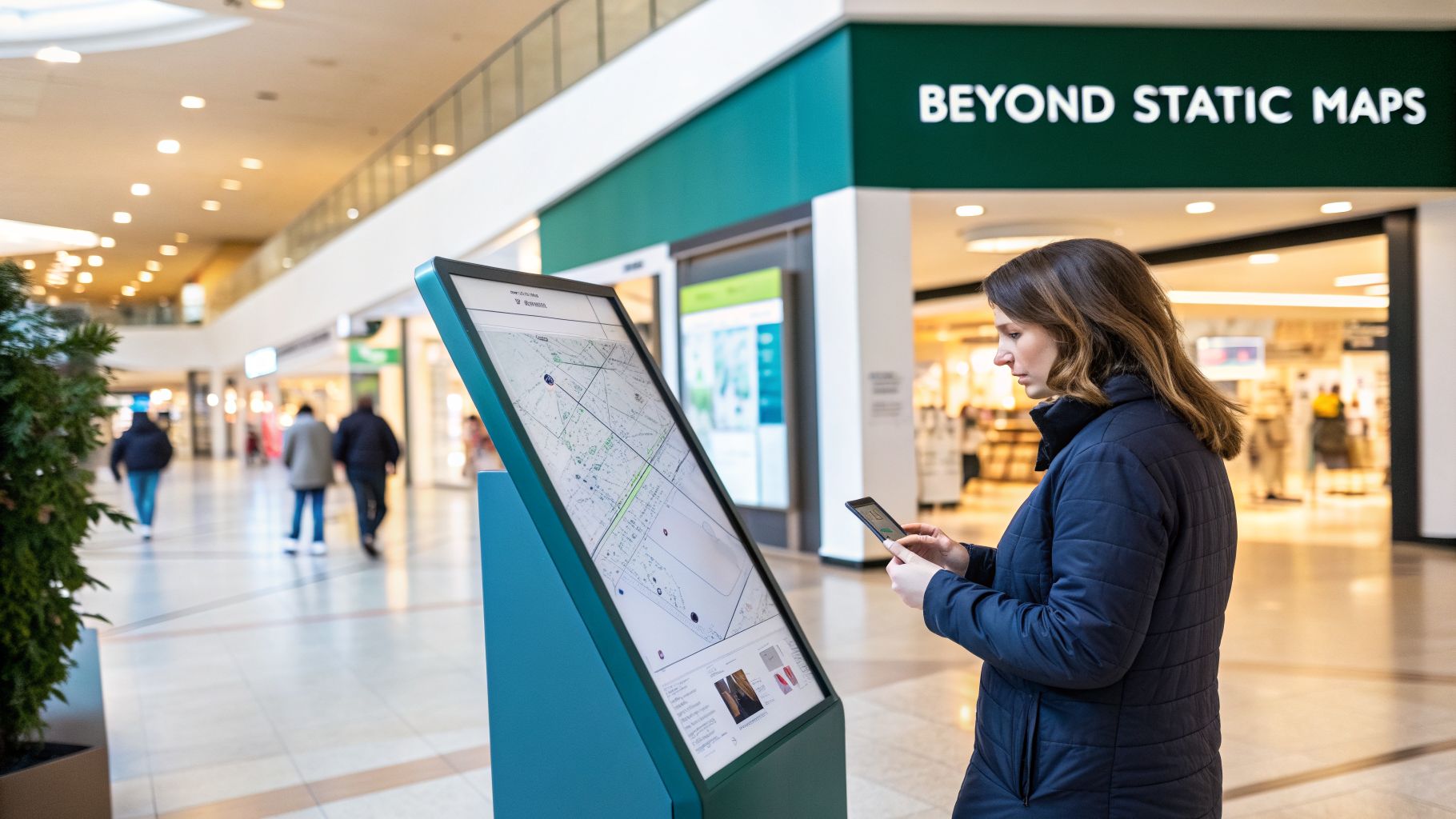
The days of squinting at a fixed sign with a ‘You Are Here’ dot are over. In the complex, ever-changing environment of a modern shopping center, visitors expect clear, digital directions on their phones. Navigating a sprawling mall can be frustrating for anyone, but for someone with a disability, it can be a barrier that prevents them from visiting in the first place.
At Waymap, we've seen firsthand how a truly dynamic map can transform the visitor experience. A modern map of malls is so much more than a convenience.
It’s about improving visitor flow, increasing dwell time near key tenants, and building a reputation as a modern, inclusive destination. A well-designed map is a powerful tool for operational efficiency and visitor satisfaction.
From Static Signs to Smart Navigation
The move from printed directories to interactive digital maps isn't just a technology trend; it reflects a fundamental shift in what your visitors expect. A static map is useless the moment a temporary kiosk pops up, a store closes for a refit, or a cleaning crew blocks a corridor. This inflexibility creates confusion and a poor experience.
A smart, digital map, on the other hand, offers real-time updates and personalized routes. It can provide:
- Step-by-step guidance that works everywhere in the venue, even without a phone signal.
- Accessible routes designed specifically for wheelchair users or visitors with visual impairments.
- Instant updates that reflect what's happening on the ground, from new pop-up shops to closed-off areas.
This guide will walk you through creating a genuinely effective map for your shopping center—one that boosts your operational efficiency and makes every visitor feel welcome and confident. This simple infographic breaks down the creation process, from the first planning meeting to the final launch.
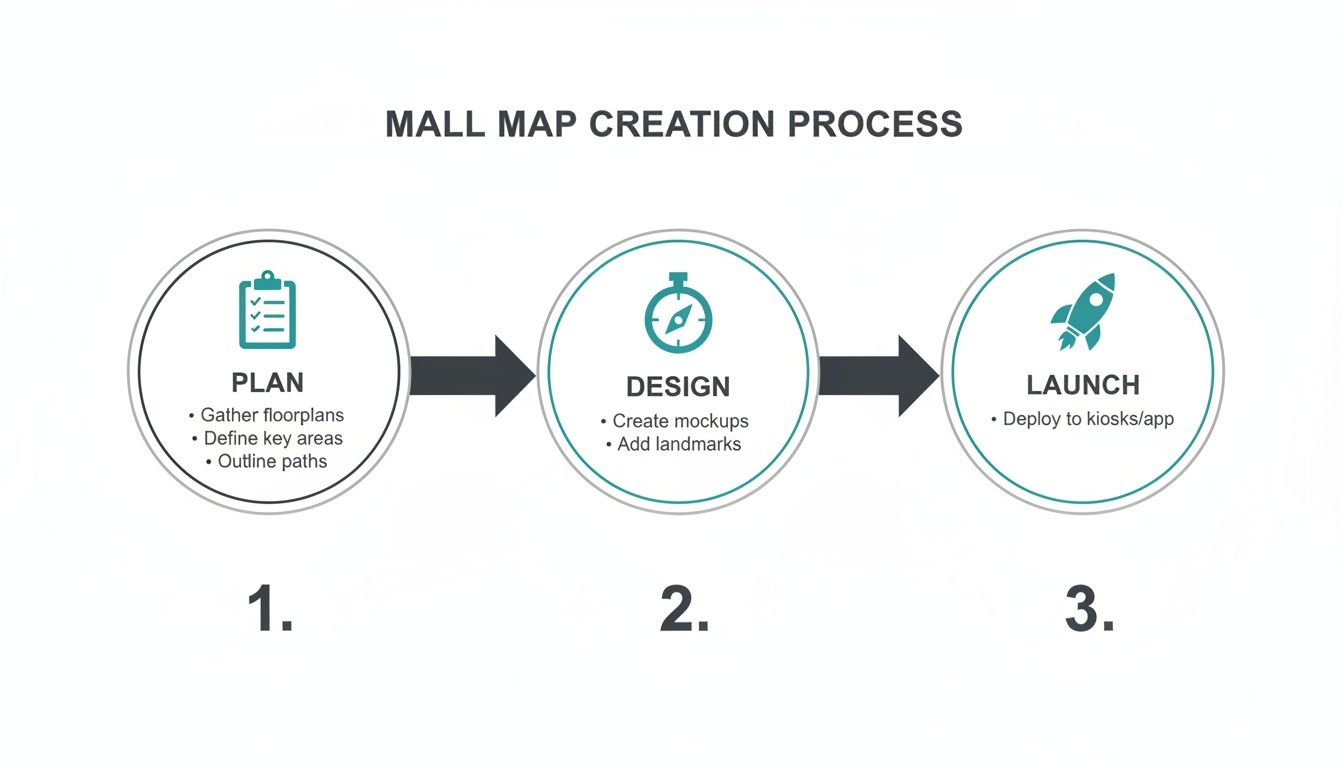
Each of these stages—Plan, Design, and Launch—is vital for building a map that delivers real value. By following a structured process, you can ensure your map is accurate, accessible, and easy for your team to maintain from day one.
Building Your Map's Data Foundation
Any truly useful map of malls is only as good as the data it’s built on. This is the single most important part of the entire process, and in our experience, getting it right from the start saves a world of headaches later on. It’s like laying the foundation for a house—you can't afford to get it wrong.
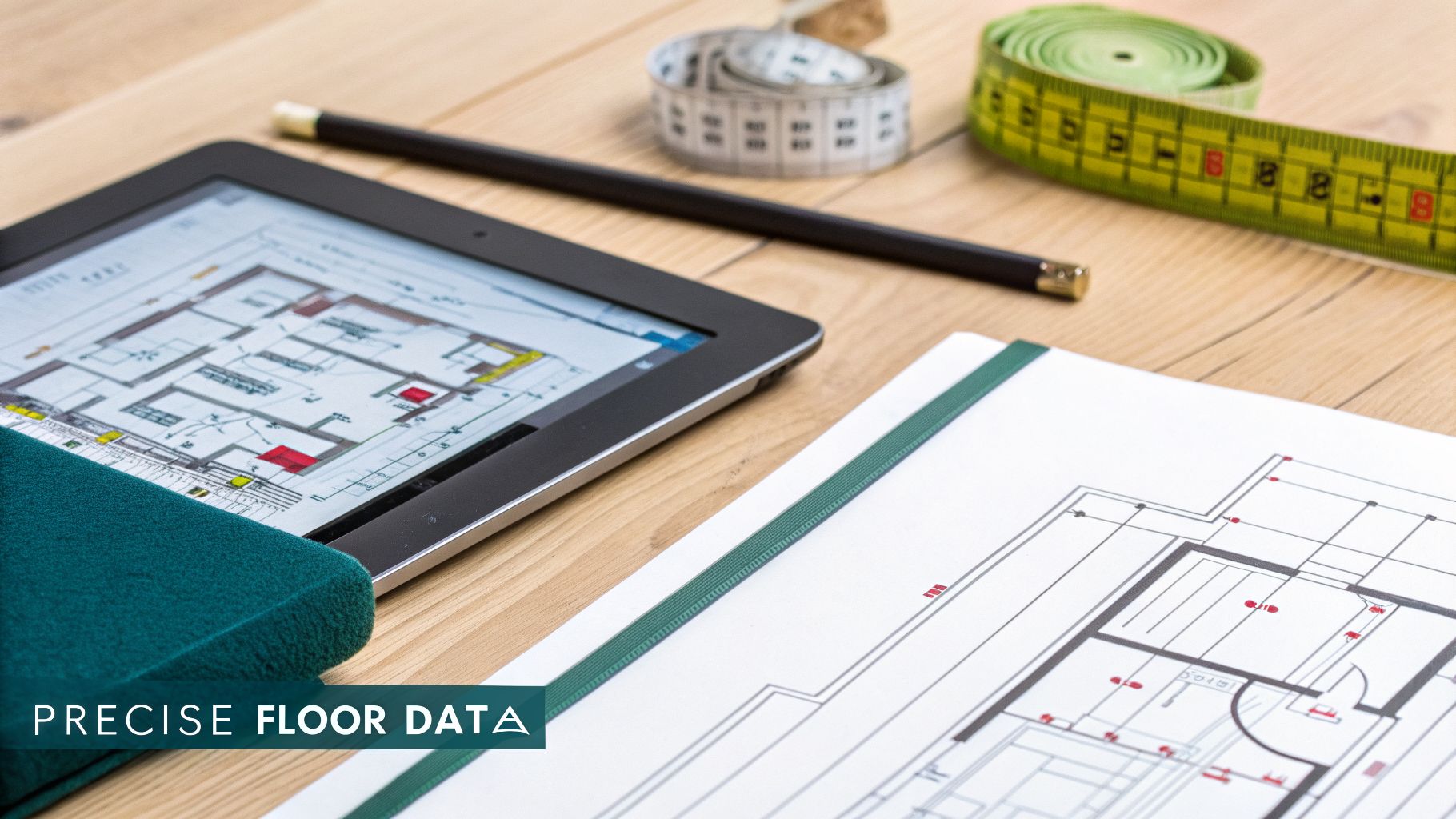
The best place to start is almost always with your architectural floor plans. If you have Computer-Aided Design (CAD) files, you're in great shape, as they provide the most accurate structural information. But these blueprints are just the beginning; they show the bones of your venue, not the full story of how a visitor actually experiences it.
From Blueprint to Reality
With your floor plans in hand, the next job is to check them against what's actually on the ground. A blueprint from five years ago won't show the new coffee kiosk in the atrium or the fact that you moved the customer service desk last year. A simple walk-through of your center is essential to make sure what’s on paper matches reality.
This is also your chance to build a complete list of your Points of Interest (POIs). We don't just mean a list of your tenants. For a navigation system to be genuinely effective, you need to map every feature a visitor might be looking for.
This includes:
- All public restrooms, making sure to note accessible and family facilities.
- Every elevator, escalator, and set of stairs.
- Seating areas and mobile phone charging points.
- Information desks and guest services.
- ATMs, vending machines, and water fountains.
- All emergency exits and fire safety equipment.
The Importance of Granular Detail
We've found that the difference between a map that’s merely functional and one that's exceptional is in the details. It’s not enough to know where a shop is. For pinpoint-accurate audio navigation that works for visually impaired users, you need to know the exact location of the main entrance door and even which way it swings. This is the kind of detail that creates a truly seamless, step-by-step journey.
A great mall map accounts for the small details that make a big difference. Knowing the difference between stairs and an escalator, or the exact location of an accessible ramp, is fundamental to creating routes that work for everyone.
You only have to look at the scale of some shopping centers to understand why this matters. A venue like Westfield London, sprawling over 2.5 million square feet, or other large centers like Metrocentre and Bluewater, simply can't rely on traditional signs. For the millions of people who visit each year, especially anyone with a visual impairment, navigating these huge, complex spaces is a real challenge.
This meticulous data gathering is what prepares your venue to run a reliable indoor navigation system—like Waymap—that works without needing any extra hardware installed on-site. You can read more about how we turn these detailed floor plans into interactive guides.
Designing for True Accessibility
When you’re creating a digital map for a shopping center, it's easy to think you've handled accessibility by just adding a few icons. But a truly accessible map of malls isn’t just a feature; it's a completely different way of thinking.
At Waymap, we’ve learned that when you design first for visitors with the most complex needs, you end up building a far better, more intuitive map for everyone. It’s about understanding the unique journey each person takes through your venue, not just the path of the majority.
More Than Just a Picture on a Screen
For a visitor with a visual impairment, a map needs to be an audio-first experience. That means ditching generic instructions like "turn left in 50 feet." Real guidance is descriptive and contextual. Think: "walk forward, with the shoe store on your left, until you reach the glass doors of the main entrance."
This level of detail is only possible with precise map data that understands the environment. Waymap was built from the ground up to deliver this kind of rich, audio navigation, and you can see more about our thinking on products for the vision impaired.
The same detailed approach applies to wheelchair users and anyone with mobility challenges. An accessible route is so much more than just a path without stairs.
A truly accessible map has to account for the smallest details of the path. This means mapping ramp gradients, elevator dimensions to ensure they fit different mobility devices, and whether a door is automatic or a heavy manual one.
When you have this level of granular data, a user asking for an accessible route gets a path they can actually trust, letting them navigate your center with confidence and independence.
The No-Hardware Advantage
One of the biggest headaches with traditional indoor navigation has always been the reliance on physical hardware like Bluetooth beacons. They’re fragile, expensive, and a challenge to maintain.
A single broken or miscalibrated beacon can break an entire route, leaving a user who depends on it stranded. It’s a point of failure that creates immense frustration.
A no-hardware solution like Waymap sidesteps this problem completely. By using the motion sensors already inside a smartphone, its accuracy is consistent and reliable. There's no external infrastructure to break down, lose power, or get knocked out of alignment.
This gives you significant advantages for accessibility:
- Rock-Solid Reliability: The map just works, every time. You aren't at the mercy of patchy signals that often fail in the complex environment of a busy shopping center.
- Pinpoint Accuracy: Step-by-step guidance stays precise from the parking garage to the specific store, giving users the confidence to explore freely.
- Instant Updates: If an accessible elevator goes out of service, you can update the map immediately to re-route visitors. No one ever gets sent to a dead end.
By building your map with this hardware-free, accessibility-first mindset, you’re creating a space where every visitor is empowered. You're not just helping them get from A to B; you're transforming the entire shopping experience from a potential source of stress into a genuine pleasure.
Choosing a No-Hardware Navigation Platform
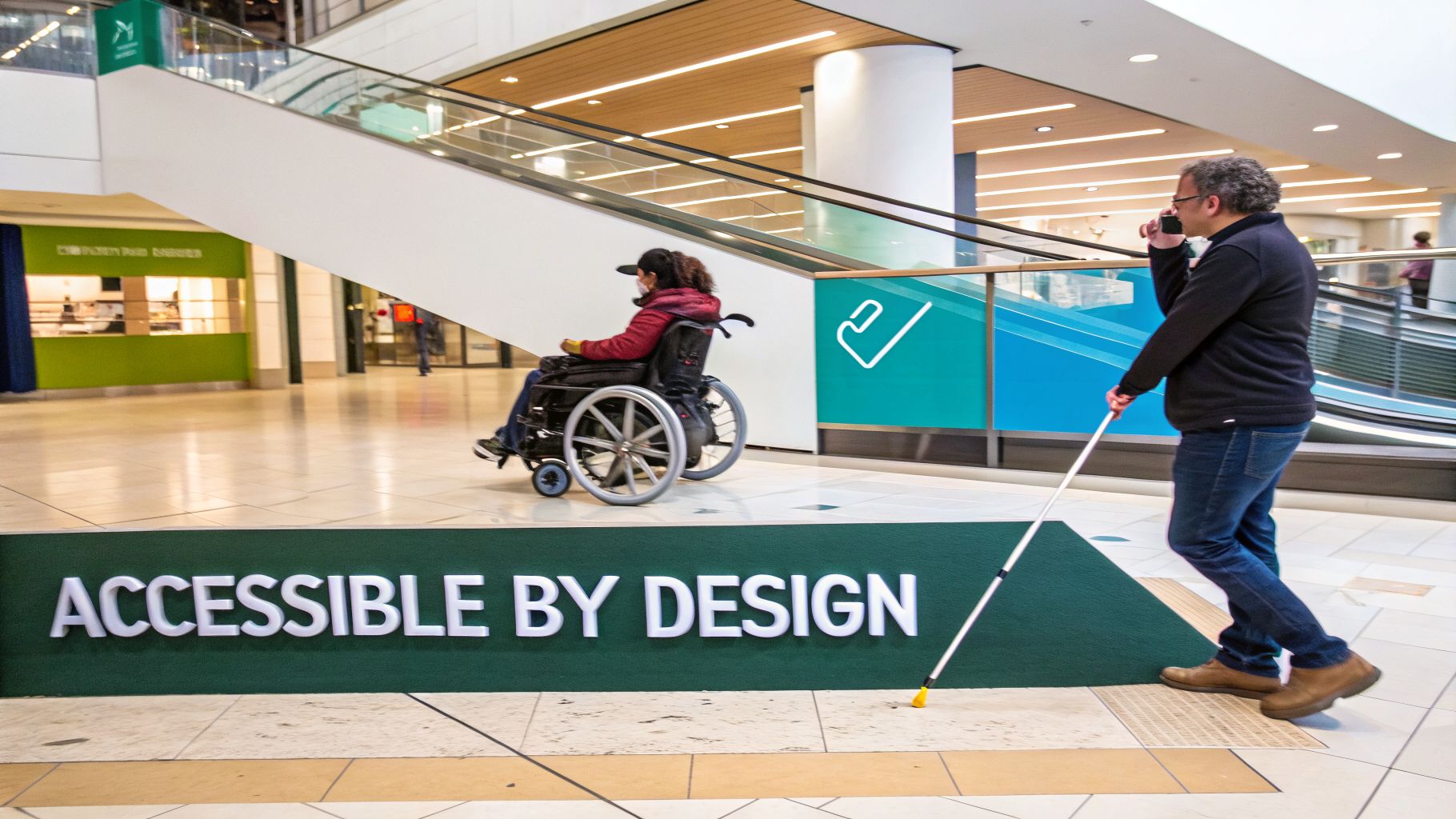
You’ve done the groundwork. Your data is collected, your floor plans are verified, and you have a clear picture of your accessibility needs. Now, it’s time to bring your digital map of malls to life by choosing a navigation partner.
This decision is a big one. It will shape not just your visitors' experience, but also your long-term operational costs and your ability to adapt.
For years, the go-to solution for indoor navigation involved installing physical hardware, like Bluetooth beacons or specialized Wi-Fi routers dotted throughout the building. This approach can be expensive to install, time-consuming to deploy, and creates a constant maintenance headache. One broken beacon is all it takes to throw off an entire route, creating a dead end for a visitor who's relying on it.
The Power of Sensor Fusion
There is a better way. A no-hardware platform like Waymap flips the script entirely. Instead of depending on external signals that are notoriously unreliable indoors, our system taps into the powerful motion sensors already built into every modern smartphone.
Our algorithms fuse your detailed floor plan data with the live feed from a phone’s internal accelerometer, gyroscope, and compass. This sensor fusion creates a highly accurate, step-by-step navigation experience. It means the guidance just works, consistently, whether a visitor is standing in a grand, open atrium or navigating a basement-level corridor with zero signal.
This hardware-free model completely changes the deployment costs and complexity. There’s no equipment to buy, no installers to manage, and no hardware to maintain. You can launch a world-class navigation experience in a fraction of the time.
From Data Submission to a Live Map
Getting started is surprisingly straightforward. You provide us with your verified floor plans and Point of Interest (POI) data, and our mapping specialists get to work digitizing it. We map out every pathway and define every single location, working hand-in-hand with your team to make sure every detail—from accessible restrooms to a temporary holiday display—is perfectly placed before you go live.
But the real operational win comes after launch. Your team gets access to a simple dashboard that turns your map into a living, dynamic tool.
- Instantly Update Store Information: A new shop moves in? A tenant relocates? You can update its location on the map in minutes.
- Manage Routes Dynamically: If you need to close off an area for cleaning or an emergency, you can block the route with a click. The system will automatically guide visitors around the problem.
- Highlight Temporary Events: Got a pop-up shop, a seasonal display, or a special event? Add it to the map to drive foot traffic right where you want it.
This level of agility means your map of malls is no longer just a static picture but a reliable, up-to-the-minute source of truth for your visitors. We’ve seen firsthand how this dynamic approach enhances the visitor journey in major venues, including those in Dubai. To see how it works in practice, discover how we're improving navigation in Dubai's malls.
Getting Your Map Ready for the Real World: Testing and Measuring Success
Rolling out your new digital map of malls isn't the end of the project. This is where the real work begins—the cycle of testing, learning, and improving that turns a novel feature into an essential tool your visitors trust.
After all, a map that leads people astray is worse than having no map at all. You have to be confident it works flawlessly on the ground, not just in a lab. The only way to get there is with real-world, on-site testing.
Nothing Beats Feedback From Your Community
To build a map that genuinely works for everyone, you have to test it with everyone. At Waymap, we've learned that the most valuable insights come directly from the community, especially from people with disabilities who rely on precise navigation.
Your testing should involve guided walkthroughs with a mix of people:
- Visually Impaired Users: Ask them to follow the audio directions. Is the timing right? Are the descriptions clear and accurate? They’ll tell you immediately if a direction is confusing or delivered a second too late.
- Wheelchair Users: Can they truly follow the accessible routes you've mapped? They are the ultimate verifiers, spotting everything from an incorrectly marked ramp to a doorway that's just a bit too narrow.
- General Visitors: Hand the app to a family with a stroller or a group of tourists and ask them to find a specific store. Watching where they pause or look confused is invaluable. It shows you exactly where the user experience needs a polish.
Testing isn't just about spotting bugs. It's about building complete confidence that your map will guide every single visitor accurately and reliably, no matter who they are.
How to Know if It's Actually Working
Once you're live, the game changes. You need to measure the map's impact. It's easy to get distracted by numbers like app downloads, but the true return on investment shows up in how the map influences visitor behavior and makes your operations smoother.
Physical venues have to perfect the customer journey. A top-notch map of malls is a direct investment in that experience, and you can explore more insights into the retail landscape to see why this matters.
So, how do you track that investment? By focusing on Key Performance Indicators (KPIs) that link directly to your business goals.
We've put together a table of the metrics we've found most useful for venues measuring the real-world success of their navigation solutions.
Key Metrics for Measuring Mall Map Success
| Metric Category | Specific KPI | What It Measures |
|---|---|---|
| Accuracy & Reliability | Route Completion Rate | What percentage of users who start a route actually get to their destination? This is your top indicator of map accuracy. |
| User Independence | Reduction in "Lost Visitor" Queries | Are you seeing fewer people asking staff for directions? This shows the map is successfully helping visitors self-serve. |
| User Satisfaction | Dwell Time on Key Pages | Are people spending more time on tenant pages they found via the map? This can suggest higher purchase intent. |
| Operational Efficiency | Staff Feedback | Are your frontline staff finding the map useful for guiding visitors or managing their own routes through the venue? |
| Qualitative Impact | In-App Feedback & Reviews | Look for comments like, "Finally found the accessible restrooms easily!" This kind of direct feedback is invaluable. |
By watching these numbers and listening to the feedback, you're no longer just guessing. You have concrete data proving the map’s value.
This combination of community testing and smart measurement allows you to constantly refine your map. It ensures your digital wayfinding remains a powerful, reliable asset for your shopping center, driving both visitor satisfaction and operational success.
Answering Your Questions About Mall Mapping
When you start planning a digital map for your shopping center, you're bound to have questions. We understand. Having helped countless venue operators launch their own navigation systems, we’ve heard just about all of them. Here are the answers to the ones that come up most often.
How Much Does It Really Cost to Create a Digital Mall Map?
The price tag can vary widely, and it almost always comes down to the technology you choose. For years, the only option was a traditional system that meant a huge upfront investment in physical hardware, like Bluetooth beacons. On top of that, you had the ongoing cost and complication of installation and maintenance.
A hardware-free solution like Waymap flips that model on its head. It shifts the spending from a large capital outlay to a much more predictable operational cost. By cutting out the need to buy, install, and service hundreds of beacons, you’re already eliminating a massive chunk of the budget. Your main costs become the initial data mapping and the ongoing software license, which makes the whole project far more scalable and affordable.
How Long Will a Rollout Take?
You might be surprised how fast it can be when you don't have to install any hardware. The biggest factor influencing your timeline is actually the quality of the data you already have. Once your team can provide accurate architectural floor plans and a complete list of your Points of Interest (POIs), our mapping specialists can get a functional map built and ready for testing within weeks, not months.
Of course, the complexity of your venue – its size, number of floors, and how packed it is with POIs – will play a part. But a solid data foundation is always the secret to a quick launch.
In today's economic climate, fast, high-impact investments are what matter. A hardware-free navigation platform is a strategic choice that keeps upfront costs low while delivering an immediate boost to visitor satisfaction and operational efficiency.
This is more relevant now than ever. With UK shopping center real estate values having fallen sharply since 2015, operators are under serious pressure to find savings. Investing in a low-cost, high-impact solution that requires zero installed infrastructure is a smart way to protect asset values and keep tenants happy. You can get a deeper understanding of this financial landscape by exploring the UK's evolving retail property market.
How Do We Keep the Map Updated?
A modern digital map should be a living, dynamic tool, not a static PDF you dust off once a year. The best navigation platforms give you a simple content management system (CMS) or dashboard that your own operations team can use.
From this portal, your staff can make changes on the fly:
- Instantly update a store’s name or location when a new tenant moves in.
- Temporarily mark a route as closed for cleaning or maintenance.
- Add a new seasonal pop-up or event to the map to help drive foot traffic.
Any changes are pushed live to your visitors' phones immediately. This ensures the map of malls they're using is always accurate, which is crucial for building trust.
Does It Need Wi-Fi to Work?
No, and this is a key advantage. The most reliable indoor navigation systems don't depend on Wi-Fi, Bluetooth, or even GPS. We all know how unreliable those signals can be inside big, complex buildings like shopping centers.
Instead, Waymap uses the motion sensors already built into every single smartphone—the accelerometer and gyroscope. Our unique algorithms take the data from these sensors and fuse it with the digital map to pinpoint your exact position and track your movement. This allows for consistently accurate, step-by-step guidance for every user, no matter where they are in your venue. It works flawlessly even in underground parking garages or other signal dead zones.
Ready to build a map that makes your shopping center more accessible, efficient, and welcoming for every visitor? Waymap can help you deploy a world-class navigation experience without the cost and complexity of hardware. Learn more about what Waymap can do for you.
